
Instagram · Business and Creator accounts
Post the work. Answer the replies.
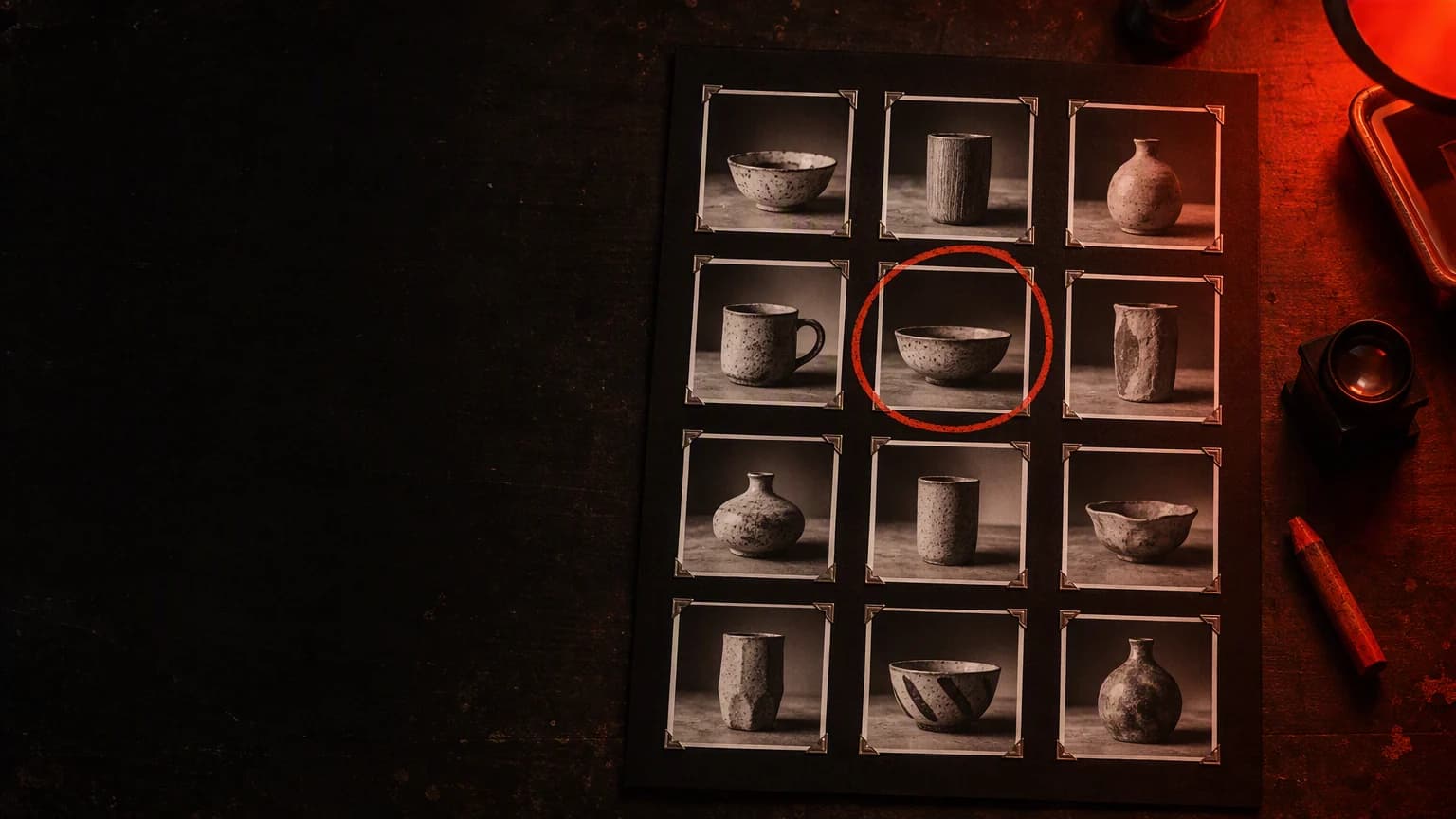
Connect a professional Instagram account and run it like a darkroom: publish photos, videos, reels, stories and carousels, read the DM inbox as it actually arrives, and work the comments — from the console and one API.



In the console
From carousel to DM
Build a carousel, caption it and publish; the posting quota drops by one, and a new DM in the inbox is already answered.
Publishing
One endpoint. Five post shapes.
POST /api/v1/instagram/posts takes a type and honest constraints: a carousel is 2–10 items, a story takes no caption, and every media URL must be publicly reachable because Meta fetches the file itself.
POST /api/v1/instagram/posts · type: carousel
- Media
- items[] · 2–10
- Caption
- Caption up to 2,200 characters on the parent; children take none.
- Each child is one image_url or video_url, with optional alt_text.
- A reel cannot be a carousel child — use a video child.
- Counts as one post against the publishing quota.
Two steps upstream: a container is created, Meta processes the media, then it is published. Still processing after a short wait? You get the container_id back with status IN_PROGRESS — poll it, then publish. A container expires in 24 hours.
Carousel items3 · valid



2–10 children, each an image or video URL.
Publishing quota12 / 100 · 24h
Instagram caps posts per account in a rolling 24-hour window. Read the live quota — GET /api/v1/instagram/publishing_limit — rather than assuming a number.
Organic publishing is not metered, and Instagram has no native scheduling — you publish at the time you want the post to appear.
Direct messages
The inbox shows what actually arrived.
Threads, story replies and reactions come through as the message types they really are — no flattening into fake text. The console inbox is read-only; replies send over the API, inside Meta’s messaging window.
- Within 24 hours of the last inbound message, a reply sends normally.
- From 24 hours to 7 days it sends as a human-agent tagged message — Meta approval dependent.
- After 7 days the send is refused; the customer must write again.
- You can never open a thread — a conversation starts with the customer.
DM inbox
@kalyani.potterybot_id: support-agent — inbound DMs are answered by the agent
↩ Story · “Kiln opening this Saturday”
That glaze in your story — is it for sale?
message_type: story reply · attachment
It is — the batch comes out of the kiln Saturday morning.
status: sent
❤️ reaction
message_type: reaction
The console inbox is a reader. Replies are an API call — POST /api/v1/instagram/messages — into a thread the customer opened, inside the messaging window.
A connection is a living thing.
Every connected account carries a token expiry. Watch it, reconnect when it lapses — the account id survives — and mark a default so most calls need no account id at all.
Connected accounts
day +0@kalyani.potterydefaulttoken_expires_at · 41d
id 3f9a…d0 · ig_user_id 17841400…
@kalyani.secondstoken_expires_at · 6d
id 77be…4a · ig_user_id 17840988…
With a default marked, a call that names no account acts as the default — most calls need nothing. A professional Business or Creator account is required — personal profiles cannot connect.

Requires a professional Business or Creator account — not a personal profile. Features depend on granted permissions, platform approval and media requirements.

The conversation under the post.
Comments list per media item; replies live on a distinct edge you fetch separately. Read, reply, hide and unhide — delete exists, and it is permanent.
Comments
reel · “Kiln opening, Saturday”GET /media/…/commentsanita.makes♥ 3
Do you ship to Bengaluru?
reply: POST /comments/{id}/replyGET /api/v1/instagram/comments/{comment_id}/replies — a distinct edge, fetched separately
- kalyani.pottery We do — 2 to 3 days across Karnataka.
- anita.makes Perfect, ordering tonight.
arjun_d♥ 11
That orange glaze is unreal. What cone do you fire to?
reply: POST /comments/{id}/replystudio.visitor♥ 0
Is the seconds sale still on?
reply: POST /comments/{id}/reply
Beside the inbox
Drafts from the studio. Numbers from the channel.
Social Studio drafts the caption, hashtags and imagery for a post — a draft, never a publish. The analytics funnel for the channel sits beside the inbox, so reach, comments and DMs read as one shift’s work. Social Studio.
Studio generation is metered; publishing, comments and messaging are not.
The channel funnel, beside the inbox
Plays and reach
Comments on the media
DM threads opened
Illustrative — the console shows the real funnel per channel.
The API
The same desk, over the wire.
Every surface on this page is an endpoint behind the cm_ key you already use. Accounts resolve server-side — a call that names no account acts as the default.
Publish a carousel
POST /api/v1/instagram/posts
curl -X POST https://api.callmissed.com/api/v1/instagram/posts \
  -H "Authorization: Bearer cm_your_key" \
  -H "Content-Type: application/json" \
  -d '{
    "type": "carousel",
    "caption": "Three from this week’s firing.",
    "items": [
      { "image_url": "https://media.callmissed.com/a.jpg",
        "alt_text": "A speckled mug" },
      { "image_url": "https://media.callmissed.com/b.jpg" },
      { "image_url": "https://media.callmissed.com/c.jpg" }
    ]
  }'
One endpoint, one type field. 2–10 items, caption on the parent. Returns a media_id — or a container_id with IN_PROGRESS to finish in two steps.
Read the live quota
GET /api/v1/instagram/publishing_limit
curl "https://api.callmissed.com/api/v1/instagram/publishing_limit" \
  -H "Authorization: Bearer cm_your_key"

# { "quota_usage": 12, "config": { "quota_total": 100 } }
Instagram caps posts per account in a rolling 24-hour window, and Meta quotes different limits in different places — read the live number. A carousel counts as one post.
Attach or clear the DM agent
PATCH /api/v1/instagram/accounts/{ref}/bot
curl -X PATCH "https://api.callmissed.com/api/v1/instagram/accounts/3f9a…/bot" \
  -H "Authorization: Bearer cm_your_key" \
  -H "Content-Type: application/json" \
  -d '{ "bot_id": "b7c1…" }'   # null turns the agent off
Attach the agent that answers that account’s DMs — or send null and they simply aren’t answered automatically. Off is explicit.
Reply to a DM
POST /api/v1/instagram/messages
curl -X POST https://api.callmissed.com/api/v1/instagram/messages \
  -H "Authorization: Bearer cm_your_key" \
  -H "Content-Type: application/json" \
  -d '{ "ig_user_id": "17841400…",
       "recipient_id": "12345678…",
       "text": "Yes, we deliver across Pune in 2 days." }'

# { "status": "sent", "sent": 2, "message_ids": ["aWdf…", "aWdf…"] }
Text only, into a thread the customer opened. Over 1,000 bytes of UTF-8 the send splits on word boundaries — and only accepted parts are recorded.
Three steps to a working account

Connect a professional account — Business or Creator, with the permissions your workflow needs. Personal profiles cannot connect.
Set the default account so most calls need no id, and attach a DM agent only if you want one — off is explicit.
Publish supported media, read the DM inbox and work the comments — from the console or the same API key.
Questions about Instagram

Does it work with a personal Instagram account?
No. Publishing, comments and DMs all require a professional account — Business or Creator. A personal profile cannot publish through the API, and features depend on the permissions you grant and on platform approval.
Can I reply to DMs from the console inbox?
The console inbox is a reader: it shows threads as they arrive, including story replies and reactions, which come through as attachment-type items. Sending a reply is an API call — POST /api/v1/instagram/messages — into a thread the customer opened, inside the messaging window.
What is the messaging window?
Meta only lets a business reply for a limited time after the customer last wrote. Within 24 hours a reply sends normally; from 24 hours to 7 days it sends as a human-agent tagged message, which needs Meta approval and may still be rejected; after 7 days the send is refused and the customer has to message again.
What can I publish?
Single images, videos, reels, stories and carousels of 2 to 10 items, all through one endpoint with a type field. Publishing is a two-step flow — a container is created, processed, then published — and a live per-account quota applies, which you can read instead of assuming a fixed number.
What happens when the connection expires?
An Instagram connection carries an expiry date. Once it passes, calls on that account return 401 until you reconnect from the console — the same one-time flow, and it keeps the account id, so nothing in your integration changes.
Does publishing or messaging use credits?
No. Organic publishing, comment moderation and DM messaging are not metered. Social Studio generation — the AI caption, hashtags and image draft — is metered for that generation, and the charges are shown on the response.
Develop the whole account.
New accounts get a one-time 1,000 credit signup bonus. Connect a professional account and the first threads are already waiting.