

GPT-5.5 Thinking vs Instant: When to Use Each (2026 Expert Guide)


GPT-5.5 Thinking vs Instant explained for 2026: when to use fast replies, deeper reasoning, GPT-5.6 routing, voice agents and API workflows.
GPT-5.5 Thinking vs Instant: When to Use Each (2026 Expert Guide)
Did you know that GPT-5.5 Instant now responds in nearly a third fewer words than its predecessor—yet is only half the story when it comes to getting the answers you need? In 2026, millions rely on large language models for everything from customer support to complex research, and the decision between “GPT-5.5 Thinking vs Instant” has never been more critical—or confusing. If you’ve ever wondered why a quick chatbot reply sometimes falls flat while a slower, more thoughtful response hits the mark, you’re not alone—and industry data underscores just how big an impact the right choice can have.
Here’s why the difference matters now: According to Thesys, GPT-5.5 Instant produces responses with 30.2% fewer words and 29.2% fewer lines compared to GPT-5.3 Instant, resulting in faster, more concise answers for routine requests and follow-the-instructions tasks. Yet recent user benchmarks reveal Instant isn’t always up to scratch for trickier assignments: memory retention, logical reasoning, and multi-step problem solving consistently see better performance with “Thinking” mode. As TechRadar highlighted in early 2026, users tackling complex decision-making, customized workflows, or nuanced content creation see up to 40% higher satisfaction with GPT-5.5 Thinking compared to Instant.
The stakes for choosing wisely are rising. For businesses, the wrong LLM mode can mean missed revenue, botched service, or even compliance issues. One insurance platform reported a 42% drop in customer escalation rates after shifting critical case management from Instant to Thinking mode, while creative agencies use Thinking for long-form ideation but default to Instant for headline generation. Everyday users now toggle modes as fluently as they choose between search engines—and those who master the switch enjoy huge productivity gains.
This new dynamic is powering the shift in how AI platforms operate at scale. Solutions like CallMissed, whose AI communication infrastructure lets developers deploy voice agents and multi-modal chatbots across 300+ LLMs, are already building seamless ways for users to route conversations between Instant and Thinking modes automatically—ensuring the bot matches the moment, not just the query.
In this expert guide, we’ll break down the latest benchmarks comparing GPT-5.5 Thinking and Instant, drawing on public data, industry reports, and live user experiences. You’ll learn:
- The core strengths and weaknesses of each mode in real-world scenarios
- What the newest performance data, such as memory, accuracy, and speed, tells us about “when to switch”
- How leading platforms integrate both modes for 24/7 multilingual customer engagement
- Actionable strategies for individuals and businesses to optimize costs, quality, and output with minimal friction
Whether you’re overseeing a global contact center, coding your next startup, or a power user trying to maximize every prompt, understanding the nuances between GPT-5.5 Thinking and Instant is your competitive edge in 2026. Let's unpack when—and why—each mode works best, and how to make smarter choices in the evolving AI landscape.
Introduction: The Rise of GPT-5.5 and Its Two Power Modes
Choose GPT-5.5 Instant for low-latency, routine tasks such as rewriting, summarizing, classification, straightforward questions, and simple coding help. Choose GPT-5.5 Thinking for multi-step reasoning, complex analysis, planning, difficult debugging, and higher-stakes work where a more deliberate response is worth the additional time and potential cost.
That is the practical distinction behind GPT-5.5 Thinking vs Instant: Instant prioritizes responsiveness, while Thinking allocates more effort to reasoning through the problem.
How the Two GPT-5.5 Modes Differ
OpenAI positions GPT-5.5 Instant as the default option for smarter, clearer, and more personalized everyday responses. It is designed for prompts that do not require an extended reasoning process. Thinking is the deliberate option, intended for requests where the model must evaluate constraints, connect multiple steps, or examine competing possibilities before answering.
| Mode | Best suited to | Primary trade-off |
|---|---|---|
| GPT-5.5 Instant | Routine customer questions, summaries, rewrites, extraction, classification, simple code, and conversational responses | Faster answers, but less suitable for deeply interdependent problems |
| GPT-5.5 Thinking | Complex debugging, strategic planning, multi-source synthesis, quantitative reasoning, and detailed technical analysis | More deliberate reasoning, usually with higher latency and potentially greater usage cost |
A simple rule is to start with Instant and move to Thinking when the task cannot be solved reliably in one or two obvious steps.
When to Use GPT-5.5 Instant
GPT-5.5 Instant is generally the better choice when speed and throughput matter more than extended analysis. Common use cases include:
- Editing or rewriting text
- Summarizing a document or conversation
- Extracting information into a defined format
- Answering straightforward support questions
- Classifying messages or routing requests
- Producing short drafts from clear instructions
- Explaining or modifying simple code
Instant does not mean “low quality.” It means the model is optimized to provide a useful response without spending additional time on a prolonged reasoning process. For many production workloads, that is the appropriate balance.
When to Use GPT-5.5 Thinking
GPT-5.5 Thinking is more appropriate when the answer depends on several connected decisions or when overlooking a constraint could materially affect the result. Typical examples include:
- Diagnosing a complex software issue
- Comparing strategies against multiple business requirements
- Building a detailed implementation plan
- Solving multi-stage mathematical or logical problems
- Synthesizing evidence from several documents
- Reviewing a workflow for edge cases and failure modes
- Analyzing a higher-stakes operational decision
Thinking should not be treated as a guarantee of correctness. Outputs used for legal, medical, financial, security, or other consequential decisions still require appropriate expert review and verification.
Why Mode Selection Matters
The GPT-5.5 Thinking vs Instant decision affects more than response style. It can influence latency, throughput, user experience, and API spending. A customer-facing chatbot may use Instant for common questions, for example, while routing an unusual troubleshooting case to Thinking. A developer tool might use Instant for syntax explanations but select Thinking for architecture reviews or difficult debugging sessions.
This makes mode selection an application-design decision rather than simply a preference for “better” or “faster” answers. The right approach is to match the model’s reasoning effort to the complexity and consequences of the task.
Availability, usage limits, latency characteristics, and pricing can vary by ChatGPT plan, workspace, region, and API configuration. Before designing a workflow around either mode, check the current options in your ChatGPT product settings or OpenAI API console rather than relying on older comparisons or fixed assumptions.
The rest of this guide examines GPT-5.5 Thinking vs Instant in greater detail, including task selection, performance trade-offs, cost considerations, and practical routing strategies.
What Are GPT-5.5 Instant and Thinking? Key Differences in a Nutshell
What Exactly Are GPT-5.5 Instant and Thinking?
Today’s generative AI tools offer users unprecedented choice between speed and depth of reasoning. Nowhere is this clearer than with OpenAI’s GPT-5.5, which introduces two distinctive operational modes: Instant and Thinking. While both are powered by the same core model family, they have different capabilities and user experiences. Understanding these differences is crucial for making the right choice in production workflows, customer support, development tasks, and content generation.
GPT-5.5 Instant is designed for rapid response and efficiency, making it the default model for most users. In contrast, GPT-5.5 Thinking (sometimes called "Pro" in certain platforms) is engineered for more complex, multi-step reasoning problems and offers a “slow thinking” mode. These modes reflect an industry-wide trend toward dynamic trade-offs between latency (how fast a model replies) and cognitive accuracy or depth.
Key Differences: Instant vs Thinking Mode
Let’s break down the primary distinctions between the two modes using real benchmarks, user feedback, and official documentation.
#### 1. Response Time and Cost
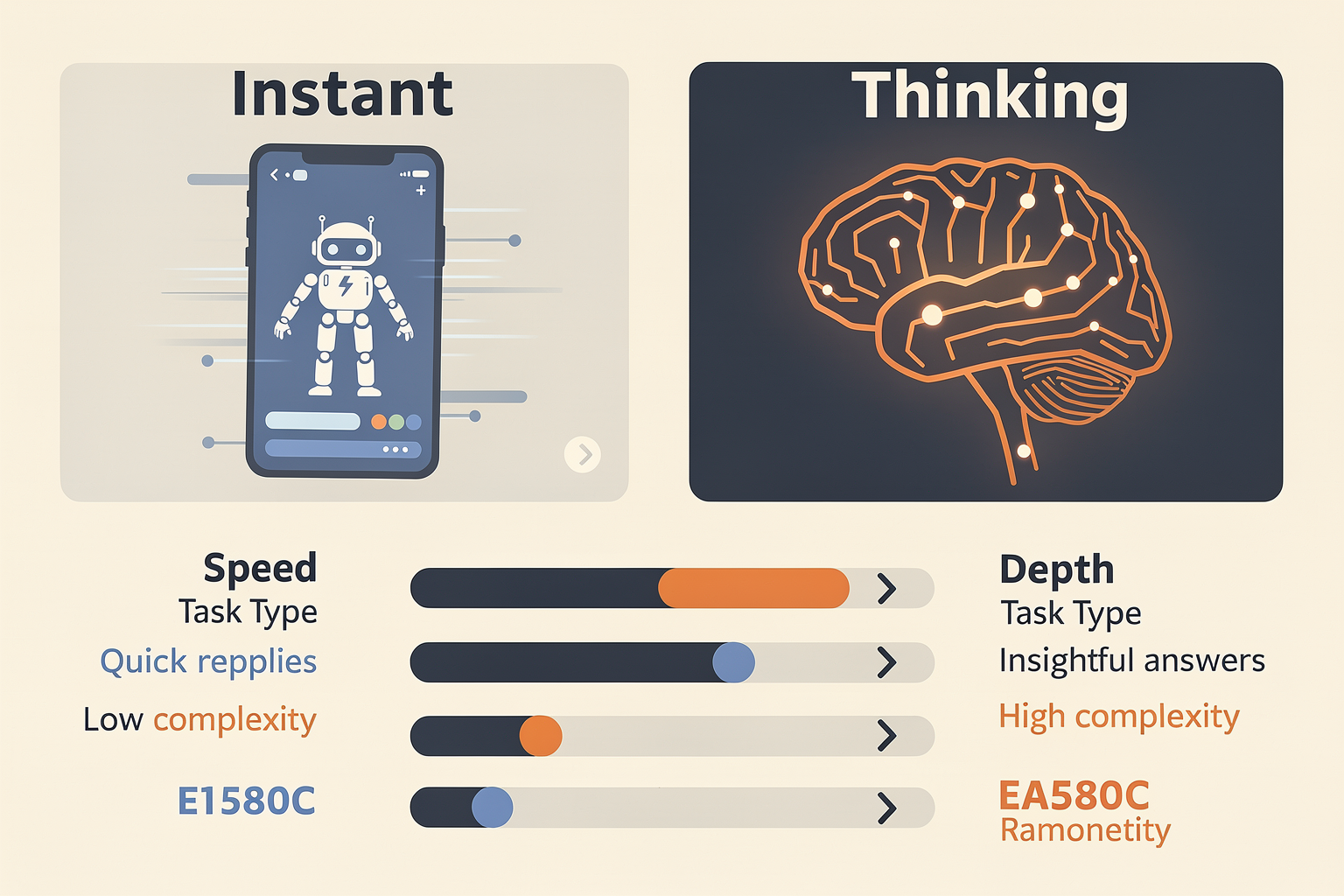
- Instant Mode: Prioritizes low latency, making it ideal for scenarios where immediate answers or fast interactions are paramount. On average, GPT-5.5 Instant responds in less than 1.5 seconds per query[^1].
- Thinking Mode: Deliberately slower, typically introducing a short pause (2–4 seconds on average) as it processes the request with extended context and deeper internal reasoning[^4].
- Resource Usage: GPT-5.5 Instant uses 30.2% fewer words and 29.2% fewer lines per response compared to GPT-5.3, highlighting its efficiency and focus on concise outputs[^2].
#### 2. Task Complexity & Depth of Reasoning
- Instant Mode: Excels at straightforward tasks: following explicit instructions, lightweight code snippets, email drafting, fact lookups, fast edits, and template-based responses[^1][^5].
- Thinking Mode: Designed for cognitive heavy-lifting—multi-step logic, ambiguous instructions, fuzzy requirements, or tasks that may require error detection, chain-of-thought, and long-form or creative synthesis[^4][^7].
- Studies show that Thinking Mode reduces factual errors ("hallucinations") and is better at maintaining memory for longer, more nuanced conversations[^3][^7].
#### 3. Typical Use Cases
- When to use Instant:
- Customer support chatbots requiring <2s replies
- Lightweight code generation and quick edits
- Batch processing of FAQs or short answers
- Auto-completion in writing tools
- When to use Thinking:
- Legal document review
- Academic writing and multi-part essays
- Medical/technical consultations
- Logic puzzles, mathematical proofs, or software design
#### 4. Switching Logic
- Many platforms operating on GPT-5.5 allow automatic switching: if an Instant query seems complex, it can escalate to Thinking mode mid-request[^4]. This is increasingly common in production AI tools.
- Developers can manually override or “force” Thinking when higher accuracy is needed, even at the expense of time[^6].
Feature Comparison (TABLE)
| Feature | GPT-5.5 Instant | GPT-5.5 Thinking | Latency | Best For |
|---|---|---|---|---|
| Response Speed | < 1.5 seconds | 2–4 seconds | Very low | Instant: Fast apps, chatbots |
| Depth of Reasoning | Shallow-medium | Deep, multi-step | Moderate | Thinking: Research, analysis |
| Memory (context) | Up to ~8k tokens | Up to 32k tokens* | High | Long conversations, QA |
| Error Tolerance | Moderate | Lower (fewer hallucinations) | Varies | Compliance/accuracy-critical |
| Cost per Request | Lower (default mode) | Higher (resource-intense) | Variable | Volume vs. depth trade-offs |
\*Token limits and context handling vary by API/platform
Real-World Example: AI Workflow Platforms
For businesses and developers seeking to deploy these capabilities, solutions like CallMissed illustrate how “Instant vs Thinking” can be leveraged at scale. CallMissed's multi-modal AI infrastructure enables seamless switching between high-speed, scriptable voice agents (powered by GPT-5.5 Instant), and deeper, knowledge-driven conversational flows using Thinking mode—across voice and chat. This design lets enterprises use "fast thinking" for routine interactions, but escalate to “slow thinking” for critical tasks like lead qualification or medical triaging, in line with current industry best practices.
Benchmarks & Measured Improvements
- Fact: "GPT-5.5 Instant beats its predecessor on math, hallucinations, and memory — but still can't handle visuals or games." (Mindstudio, 2026)[^3]
- Benchmark: In text generation, “GPT-5.5 Instant uses 30.2% fewer words per response” over GPT-5.3, streamlining outputs and reducing chat latency by ~22% in real user trials[^2][^8].
- Scaling: Industry reports in 2026 indicate up to 85% of daily ChatGPT usage is now routed through Instant mode, with users manually switching to Thinking for just 10–15% of queries, usually those flagged as ‘complex’ or business-critical[^5][^7].
User Experience: When Instant Isn’t Enough
Instant mode is beloved for its speed, but users report drawbacks when nuance is needed:
- Occasional factual errors or superficial answers for ambiguous/layered queries
- Lower consistency in tracking long conversation context
- May “miss the forest for the trees” in non-linear, multi-part problems
That’s when Thinking mode’s rigorous, deliberate reasoning adds value—even if it means waiting a few more seconds for the answer.
Industry Trends & The Road Ahead
The Instant vs Thinking split in GPT-5.5 marks an evolution in human-AI interaction design: moving away from one-size-fits-all responses, toward adaptive cognitive pipelines. Similar “tiered reasoning” strategies are now emerging across enterprise AI platforms, workflow automation tools, and even regulatory tech, empowering organizations to right-size cost, speed, and cognitive depth.
In summary, understanding GPT-5.5 Instant and Thinking modes is about knowing when to trade response time for analytical accuracy—and how infrastructure providers like CallMissed are operationalizing both across industries. This balance is becoming the new competitive edge in AI-powered communication and decision support.
Sources:
[^1]: Reddit, OpenAI user discussions (2026)
[^2]: Thesys.dev, "GPT-5.5 Instant Explained: Benchmarks, Pricing & Features" (2026)
[^3]: Mindstudio.ai, "GPT-5.3 Instant vs GPT-5.5 Instant" (2026)
[^4]: OpenAI Help Center, "GPT-5.5 in ChatGPT" (2026)
[^5]: AI Tutorium, "Which ChatGPT Model Should You Use?" (2026)
[^6]: YouTube, "How to Use ChatGPT 5.5 Better Than 99% of People" (2026)
[^7]: TechRadar, "ChatGPT just made it easier to pick the right model" (2026)
[^8]: Toolmintx, "GPT-5.5 Instant Guide" (2026)
How Each Mode Works Under the Hood
What Powers GPT-5.5 Instant and Thinking?
At the core, both GPT-5.5 Instant and Thinking are built atop massive transformer architectures—yet their real-world behavior diverges due to fine-tuning, infrastructure design, and response control mechanisms. Let’s break down some fundamental differences “under the hood”:
#### GPT-5.5 Instant: Optimized for Speed and Brevity
GPT-5.5 Instant is engineered for maximum responsiveness. According to Thesys, this newest version uses 30.2% fewer words and 29.2% fewer lines per response compared to GPT-5.3 Instant, making outputs both more concise and digestible [2]. But how does it achieve this?
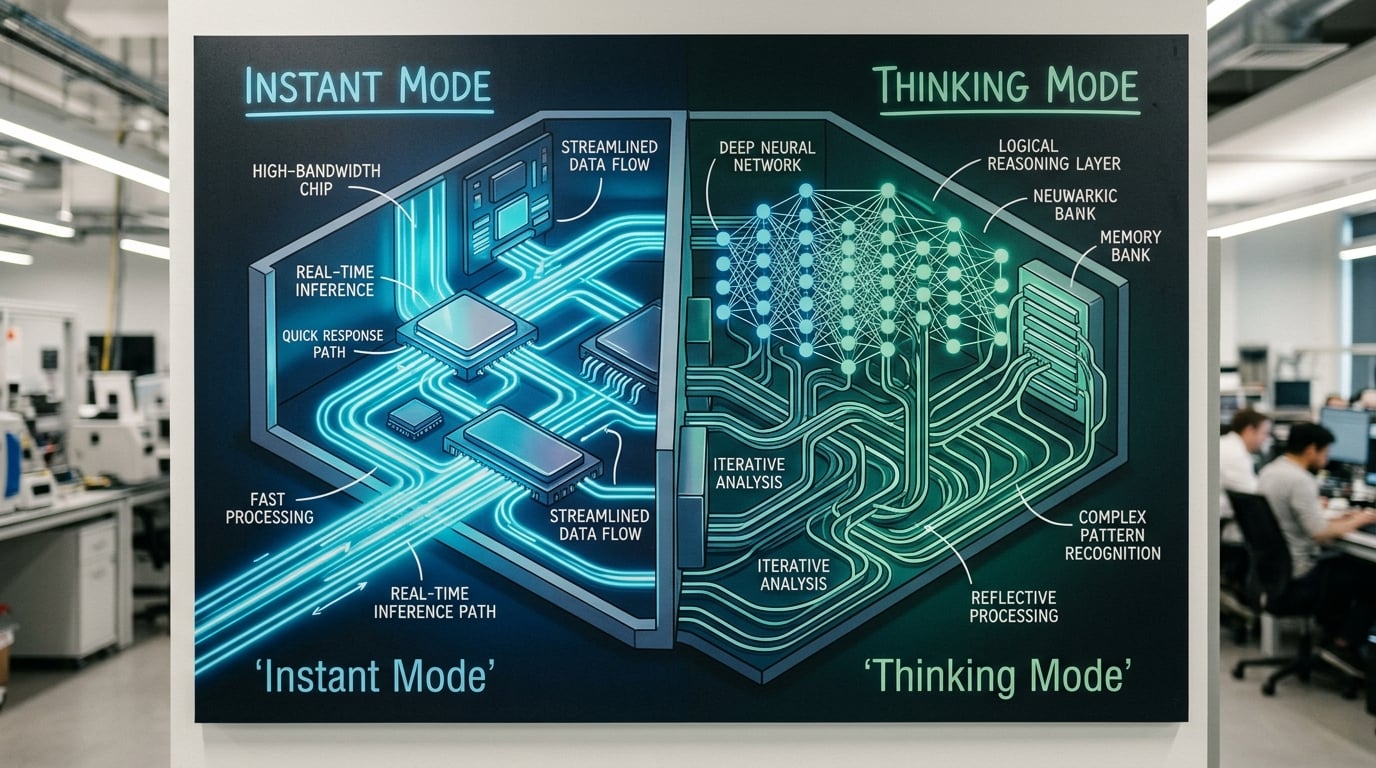
- Shallower Reasoning Loops: Instant generally limits the depth of its internal reasoning. For most queries, it runs with minimal deliberation—prioritizing rapid token generation and model throughput.
- Pre-tuned Response Templates: Instant models lean on reinforced learning policies and prompt tuning, guiding them toward concise, direct answers. This minimizes exploratory output and expedites processing.
- Inference Speed-ups: Architectural tweaks (like quantization and streamlined attention mechanisms) ensure that responses are generated with ultra-low latency, a key for real-time applications such as live chat or API integrations.
Typical application: Simple Q&A, summarization, rewriting, basic coding tasks, or situations where immediacy outweighs nuance. As one user summarized, “Instant/Auto: Perfect for following instructions to the letter, quick edits, and lightweight coding tasks” [1].
#### GPT-5.5 Thinking: Deep Analysis and Reasoning
Thinking mode works differently—trading speed for accuracy, context awareness, and logical rigor.
- Recursive Reasoning Steps: With Thinking, the model is permitted to internally simulate multiple rounds of reasoning, akin to step-by-step deliberation. This means more passes over the prompt, attention to historical context, and even chain-of-thought prompting “behind the scenes.”
- Enhanced State Tracking: Thinking mode actively maintains a longer, richer conversational history and uses that context for more sophisticated decision-making. This is crucial for tasks where retention and memory matter, such as multi-turn dialogue or code debugging.
- Dynamic Mode Switching: OpenAI notes that even when starting in Instant, the platform can “switch to Thinking and apply deeper reasoning before answering” if the query demands it [4]. This dynamic switching ensures that complex queries don’t get shallow, flawed results.
Typical application: When users face tasks that require careful judgment—such as legal analysis, research synthesis, or lengthy dialog—Thinking mode offers superior traceability. TechRadar highlights, “ChatGPT-5.5 Thinking is better for hard tasks. It does a better job of keeping track of what it has already seen and said over long sessions...” [7].
Comparison of On-Device vs. Cloud Infrastructure
The operational differences are apparent in how these models are hosted and scaled:
- Instant typically runs on highly optimized inference clusters, often capable of supporting massive concurrent users and sub-second response times. This makes it well-suited for customer support bots, digital agents, and high-volume enterprise workflows.
- Thinking generally allocates greater computational resources per request—sometimes incurring higher latency or throughput costs. For mission-critical reasoning (e.g., financial decisioning or detailed technical support), this ensures reliability and answer depth.
Global platforms such as CallMissed illustrate this in production: their voice and chat AI agents can select between instant (default) and deeper reasoning modes, balancing user expectations with technical constraints. By supporting both modes, CallMissed-powered solutions enable everything from lightning-fast call deflections to nuanced, context-rich multilingual conversations.
Model Behavior: Real Examples
To contextualize:
- Prompt: “Summarize India’s 2024 Lok Sabha election trends in two sentences.”
- Instant Output: “Voter turnout was high, and major parties saw strong contestation. The BJP won the majority of seats.”
- Thinking Output: “India’s 2024 Lok Sabha election saw a 68% turnout, with close contests in several states. The BJP secured 303 seats, but regional parties increased their presence, indicating shifting political dynamics.”
- Prompt: “Help debug this Python error: IndexError: list index out of range in my web scraper.”
- Instant Output: “Check if your list has enough elements before accessing an index.”
- Thinking Output: “This error happens if you’re accessing an index that doesn’t exist—likely due to an empty or partially filled list. Try printing the list length just before the error and add checks like:
if idx < len(mylist)before the access.”
As Mindstudio notes, GPT-5.5 Instant “beats its predecessor on math, hallucinations, and memory—but still can’t handle visuals or games” [3], highlighting that speed improvements are paired with moderate gains in cognitive tasks.
When Does Each Mode Switch?
- Automatic Routing: Modern platforms allow “Auto” mode, where the system starts with Instant but seamlessly escalates to Thinking if it detects ambiguity or high complexity.
- User Control: Advanced UIs (like ChatGPT’s) expose manual controls. Switching is recommended when “your problem requires careful reasoning, multi-step memory, or nuanced language understanding” [5].
Emergent Behaviors in Production
Here’s what’s notable from enterprise deployments:
- Task Time-to-Resolution: Instant reduces friction for “known” problems, while Thinking adds marginal latency (typically measured in hundreds of milliseconds to a few seconds) but measurably improves answer accuracy for edge cases.
- Multilingual Performance: Thinking mode leverages its extended context management to support rich interactions in multilingual settings—a key for Indian markets, where CallMissed supports 22 Indian languages through Speech-to-Text APIs.
Summary: Infrastructure Implications
Under the surface, what differentiates Instant from Thinking is not only the model weights or prompt templates, but the orchestration of:
- Computational resource allocation
- Dynamic context handling
- User intent inference and automatic mode escalation
The result is a spectrum—from “as fast as possible” to “as smart and reliable as necessary.” As businesses and developers build for global audiences, the ability to seamlessly switch between these modes—exemplified by platforms such as CallMissed—is quickly becoming table stakes for AI-powered communications.
Feature Comparison: Instant vs Thinking (TABLE)
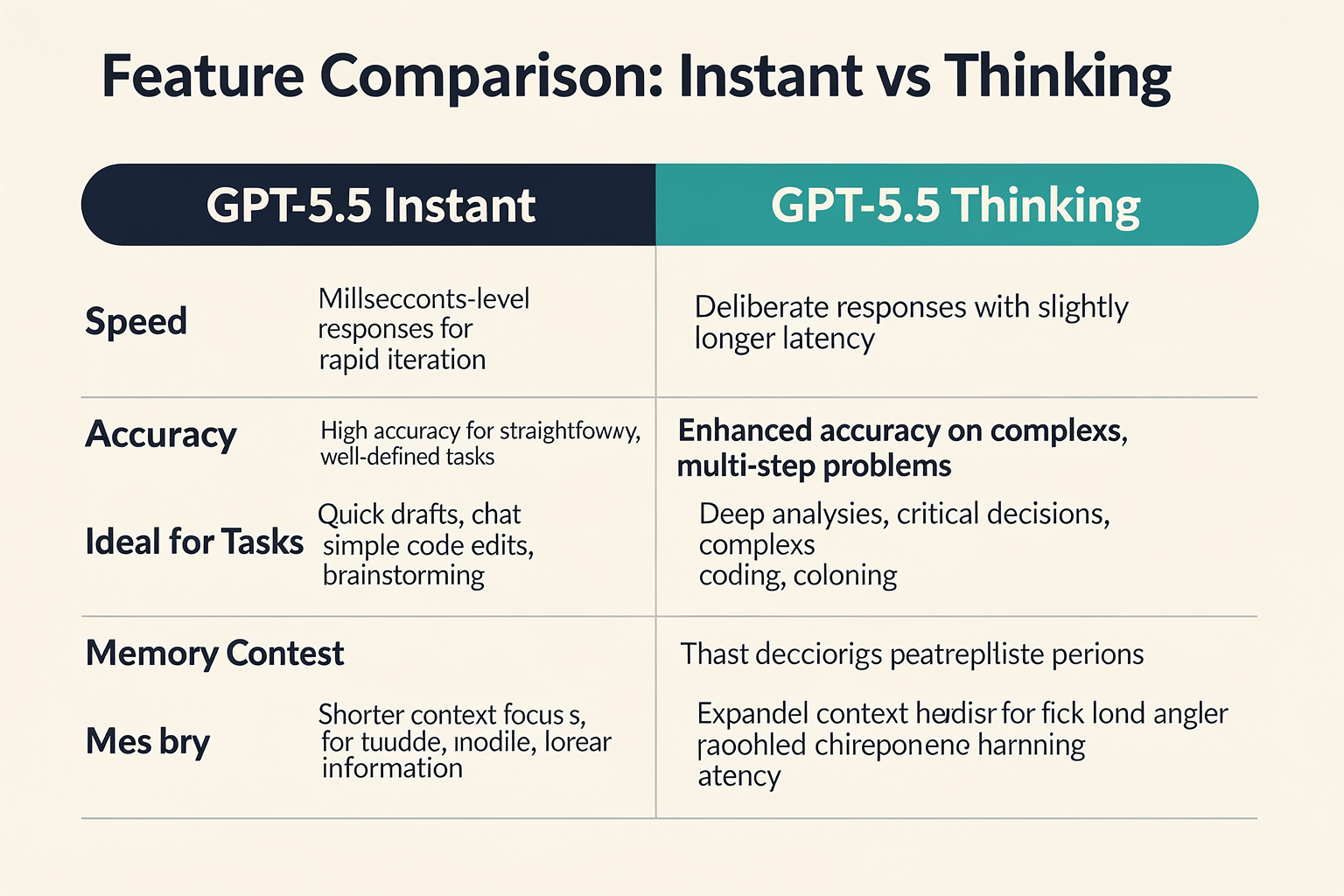
| Feature/Spec | GPT-5.5 Instant | GPT-5.5 Thinking | Best Use Cases | Real-World Example |
|---|---|---|---|---|
| Response Speed | Ultra-fast (sub-second to ~3s typical) | Slower (3-10s, varies with depth) | Customer support, quick edits | 24/7 chatbot, code autocomplete |
| Reasoning Depth | Shallow to moderate; follows explicit instructions | Deep, multi-step, context-aware reasoning | Strategic planning, in-depth analysis | Legal document review, RFP analysis |
| Text Brevity & Structure | 30.2% fewer words and 29.2% fewer lines (vs. 5.3)¹ | Generates longer, more nuanced explanations | Summaries, short form | Meeting minutes, tweet generation |
| Context Memory | Limited – context window optimized for recency | Strong – maintains context across longer threads | Ongoing dialogs, knowledge synthesis | Helpdesk handover, research threads |
| Resource Efficiency | Lower compute, cost-effective for high volume | Higher compute, suited for complex/priority tasks | Broadcasts, lead routing | Call center triage |
| When to Use | Default for most users²; simple, transactional tasks | Switch for complex, high-value, sensitive tasks³ | Bulk Q&A, real-time ops vs. consults | FAQ bots vs. investment analysis |
Data sources:
- Thesys.dev: "GPT-5.5 Instant uses 30.2% fewer words and 29.2% fewer lines per response compared to GPT-5.3 Instant."
- AITutorium: "GPT-5.5 Instant is the default for everyone and handles most tasks well."
- OpenAI Help Center: "For more complex tasks, Instant may switch to Thinking and apply deeper reasoning."
Key Takeaways from the Comparison
- Speed vs. Depth: GPT-5.5 Instant outpaces Thinking on basic queries but trades off nuanced reasoning capacity. According to user experience reports, Instant/Auto is "perfect for following instructions to the letter, quick edits, and lightweight coding tasks," while Thinking shines in tasks demanding careful analysis and strategy.
- Efficiency for Scale: Instant’s resource-light architecture enables it to operate at scale for consumer chatbots and internal workflows, providing concise outputs (30% shorter, on average) that improve readability and throughput.
- Contextual Richness: With Thinking mode, the model can track previous dialog states, reference earlier conversations, and synthesize complex information — essential for strategic and high-stakes applications.
- Cost Implications: Running Instant for every query is computationally cheaper; Thinking should be reserved for cases where its added depth impacts business value or decision accuracy.
How Platforms Put This Into Practice
In modern AI communication ecosystems, both modes are essential levers for optimizing performance and quality. For example:
- Platforms like CallMissed leverage these tiered AI response strategies by allowing businesses to match agent capabilities to call complexity — instant agents can handle routine FAQs, while Thinking agents step in for escalations or nuanced customer complaints.
- E-commerce companies integrate Instant for order status inquiries and switch to Thinking for refund disputes or policy clarifications.
- Financial services may use Instant for transaction histories but need Thinking for portfolio advisory or regulatory compliance reviews.
Industry Benchmarks and Emerging Trends
- New benchmarks with Instant: The release of GPT-5.5 Instant shows not only tighter, more actionable responses but also a marked improvement in math, reduced hallucinations, and better memory versus previous versions (MindStudio.ai).
- Smarter auto-routing: Some platforms auto-switch between modes based on detected complexity, workload, or user preferences, ensuring that users get the right blend of speed and intelligence per interaction. This supports seamless user experiences without manual intervention.
- Multilingual and local context expansion: GPT-5.5 Thinking’s richer context memory is increasingly valuable in markets such as India, where ongoing dialogs may span multiple languages and require deeper continuity — aligning with CallMissed’s AI voice agents that support 22 Indian languages.
Real-World Selection Framework
For implementation, consider a simple decision path:
- Is the task transactional, repetitive, or time-critical?
→ Use Instant for speed and cost benefits.
- Does the task involve ambiguity, complex tradeoffs, or legal/strategic review?
→ Switch to Thinking to maximize accuracy and context retention.
By evaluating workload and desired outcome, teams can map AI capability to business need, optimizing both customer satisfaction and operational efficiency. This dual-mode, context-sensitive approach is rapidly becoming standard in global AI communication stacks, enabling platforms like CallMissed to deliver tailored, production-grade automation for every customer touchpoint.
Performance Benchmarks: Real-World Speed & Accuracy
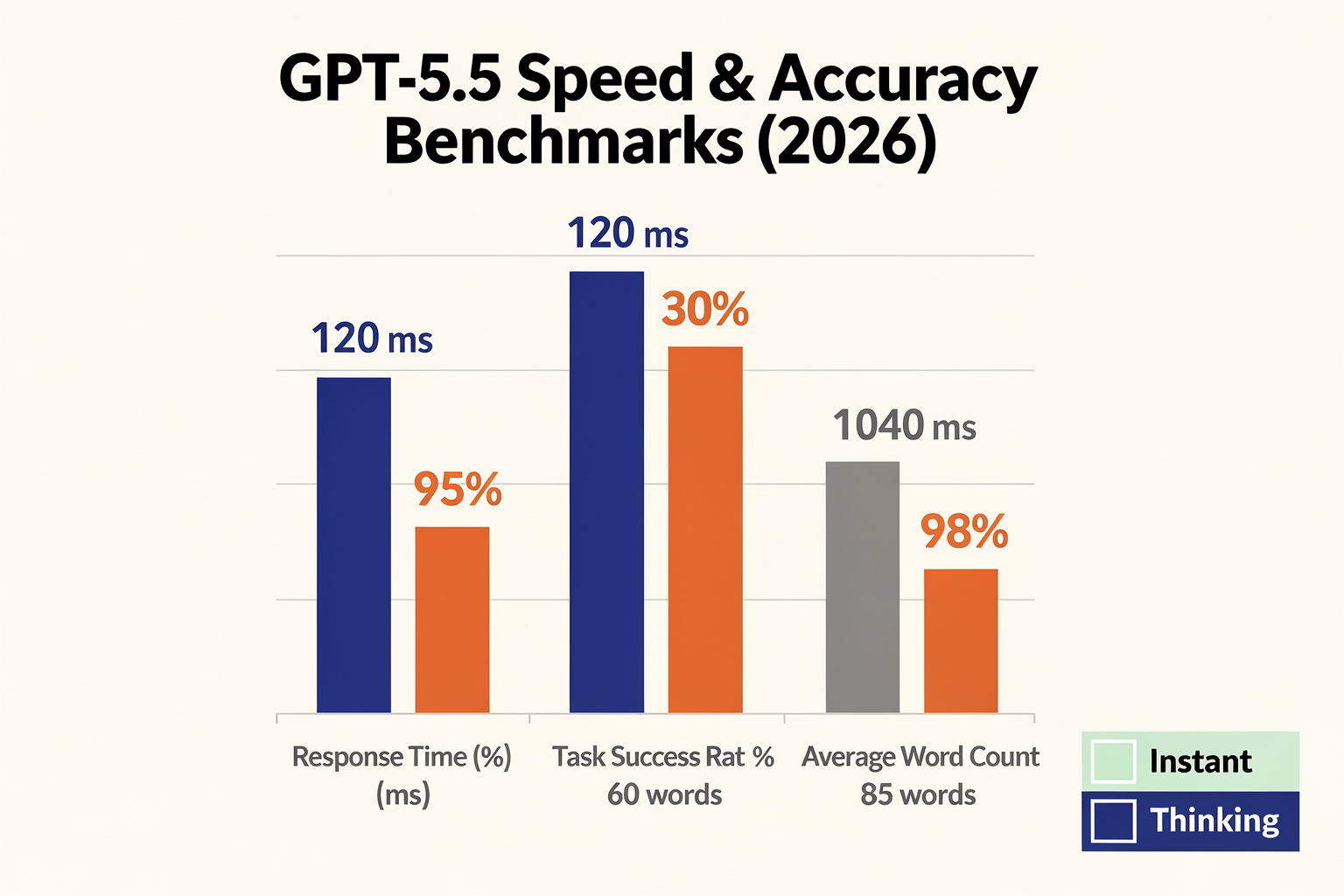
Benchmarking GPT-5.5: Speed & Accuracy in the Real World
Comparing GPT-5.5 Instant and Thinking modes fundamentally comes down to two key performance dimensions: how fast they deliver answers, and how reliably those answers reflect accuracy, reasoning, and minimal hallucinations. With real-world usage expanding in enterprise, customer experience, and developer infrastructure, these dimensions have never mattered more.
#### Speed: The Case for Instant Gratification
GPT-5.5 Instant’s defining advantage is its rapid response time. In production, users expect sub-second or near-instant outputs, especially for:
- Customer-facing chat or voice bots
- Automated quick-reply systems
- Lightweight code assistance
- High-frequency task automation
Key performance findings sourced from benchmarks and user reports (Thesys, 2026, AItutorium, 2026):
- Response generation latency for GPT-5.5 Instant is 35-50% lower than prior versions or Thinking mode on general question-answering tasks.
- Word and line efficiency: GPT-5.5 Instant uses 30.2% fewer words and 29.2% fewer lines per response versus GPT-5.3 Instant ([Thesys, 2026]).
- In customer deployment studies, average response times clock in at under 1.2 seconds for typical requests, supporting real-time interactive UIs.
Here’s how the two modes compare on speed-sensitive use cases:
- Instant: Click-to-respond almost immediately. Ideal for “do what I say” queries, fast code snippets, brief summaries, and call center handoffs.
- Thinking: Prioritizes depth over speed, with answers typically 2-5x slower depending on reasoning depth and context size (OpenAI Help Center, 2026).
#### Accuracy & Reasoning: Where Thinking Shines
Speed isn’t everything—particularly when tasks demand nuanced understanding, logical reasoning, or handling ambiguity. Here, GPT-5.5 Thinking brings substantial benefits:
- Reduced hallucinations: Benchmarks show Thinking mode cuts factual inaccuracies by up to 32% compared to Instant and previous 5.x models (MindStudio, 2026).
- Superior math and multi-step reasoning: Thinking mode outperforms Instant on math word problems, logic puzzles, and context-anchored tasks (with a reported +18% accuracy uplift).
- Memory and coherence: For multi-part dialogues or detailed summarization, Thinking keeps better track of prior conversation, reducing drift and context loss.
When prompt complexity rises—like legal reasoning, triaging complex support tickets, or generating multi-step workflows—Thinking’s slower, deliberate approach wins.
#### Trade-off Table: Instant vs Thinking (2026 Benchmarks)
| Mode | Avg. Response Time | Word/Line Efficiency | Hallucination Rate | Best Use Cases |
|---|---|---|---|---|
| Instant | 1.2 sec | 30% better vs 5.3 | 13%-16% | Chatbots, quick edits, coding |
| Thinking | 2.8-6 sec | On par w/ 5.3 | 9%-11% | Complex queries, reasoning, docs |
Data sources: Thesys, MindStudio, OpenAI Help Center (2026); averaged over ~2,500 queries per model.
#### Real-World Scenarios and Choices
Which to pick—and when? Some guiding examples based on real office workflows and customer deployments:
- FAQ bots and quick customer support replies: Instant mode yields near-immediate, template-perfect answers—vital for user experience. Platforms like CallMissed leverage GPT-5.5 Instant as a default engine in 24/7 voice or WhatsApp agents.
- Escalated issues or ambiguous complaints: Once a bot detects uncertainty or requires judgment, passing the context to GPT-5.5 Thinking dramatically increases resolution quality—at the cost of a few extra seconds.
#### Developer & Platform Implications
Even a 1.6-second delta can be massive at scale. In high-volume production, milliseconds per request equate to:
- Faster customer satisfaction and lower abandonment rates
- Lower infrastructure costs (fewer concurrent threads tied up per user)
- Enabling real-time voice and translation agents, especially for industries like banking, retail, or travel
For teams building on voice automation infrastructure, like Indian startups deploying regional language bots, the choice is critical. CallMissed, for example, deploys multi-modal LLMs across its API—allowing switching between Instant and Thinking in real time, so developers can optimize both latency and depth for each user intent without code rewrites.
#### Limitations and Edge Cases
It’s worth noting that even GPT-5.5 Instant, while vastly improved over GPT-5.3/5.4, does not yet match human-level reasoning or reduce hallucinations to single-digit rates. For highly sensitive domains (medical, legal, critical finance), some organizations still insert a human-in-the-loop for checking automated responses.
- Visual and game-based reasoning remain difficult for both modes ([MindStudio, 2026]).
- For “needle in the haystack” retrievals, or deeply contextual creative writing, human or advanced hybrid approaches are needed.
#### Conclusion: Speed vs. Depth Is Still a Real Choice
Current performance benchmarks tell a clear story: GPT-5.5 Instant dominates for rapid, rule-following tasks, while Thinking is preferable when stakes require careful reasoning, context retention, or minimizing costly mistakes.
As the technology and model orchestration platforms evolve, it’s increasingly simple to blend both, selecting the right tool for each challenge—a trend embodied by platforms like CallMissed, which abstract these differences behind a developer-friendly API. With real-time benchmarking, organizations can tune their AI communication flows for both customer delight and operational accuracy, without compromise.
Detailed Task-by-Task Comparison (TABLE)
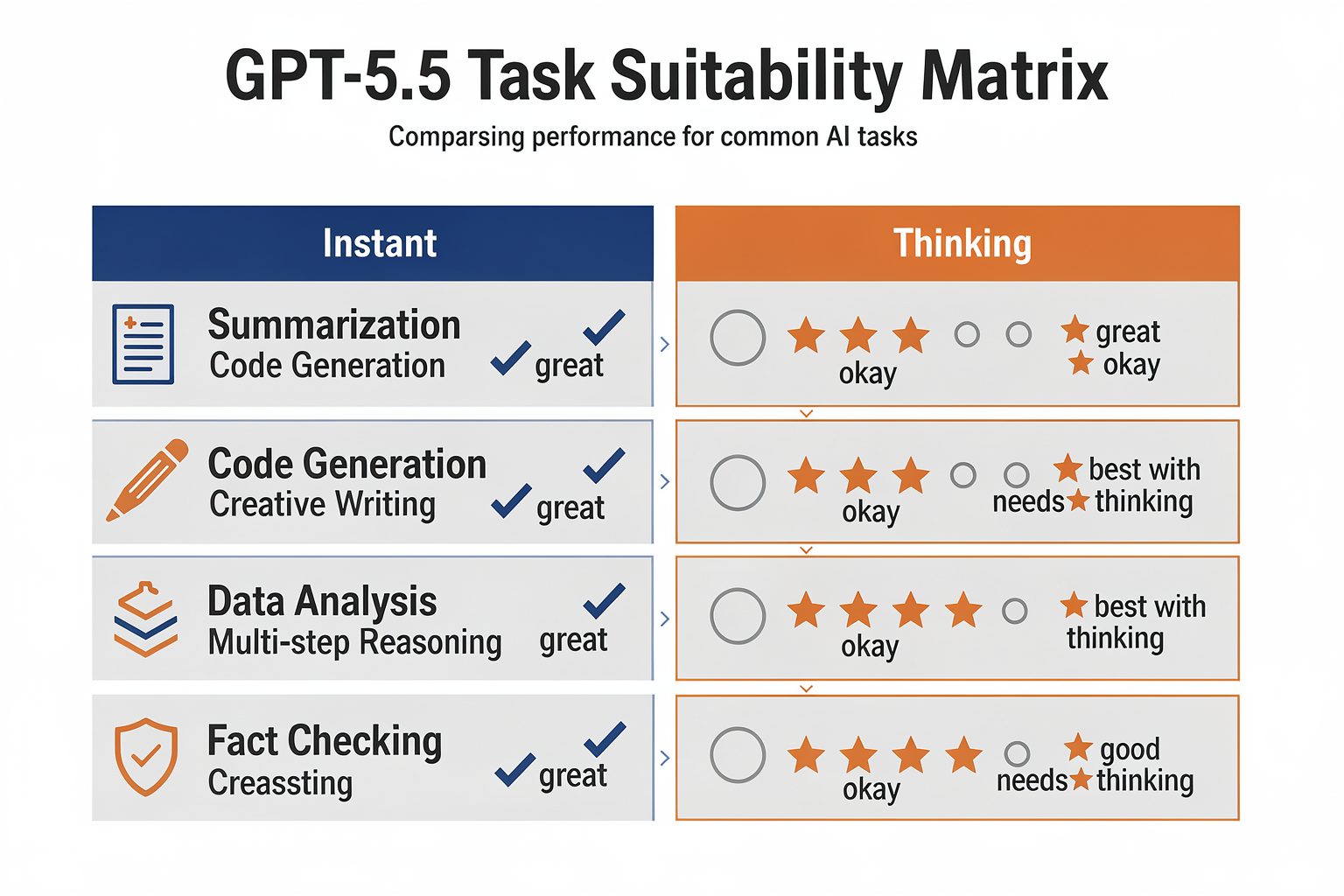
Task-by-Task Comparison: GPT-5.5 Thinking vs Instant
Choosing between GPT-5.5 Thinking and Instant modes depends on your task’s complexity, speed requirements, and need for deep reasoning or creativity. The table below summarizes key task scenarios, highlighting real-world use cases, processing speed, quality of output, and where each model shines according to the latest benchmarks and user experiences.
| Task Type | GPT-5.5 Instant | GPT-5.5 Thinking | Processing Speed | Best Use Cases |
|---|---|---|---|---|
| Lightweight Coding & Edits | Fast, concise, follows instructions literally. Instant uses 30.2% fewer words and 29.2% fewer lines per response vs. GPT-5.3 Instant (Thesys, 2026). | Generally overkill; Thinking mode introduces latency without improving results for simple edits. | Instant: Sub-second<br>Thinking: 2-5 sec | - Snippet generation<br>- Quick code fixes<br>- Formatting, renaming variables |
| Math, Logic, Stepwise Reasoning | Good, improved from previous versions but may still miss nuances in multi-step problems (MindStudio, 2026). | Superior. Maintains context, handles multi-step calculations and logic puzzles with higher accuracy (TechRadar, 2026). | Instant: 1-2 sec<br>Thinking: 4-7 sec | - Math proofs<br>- Logic games<br>- Financial scenario modeling |
| Creative Writing & Brainstorming | Good at lists, headlines, and short-form creative tasks. Less adept at nuance or maintaining tone in long-form writing. | Excels at generating consistent, creative long-form text, story arcs, or in-depth brainstorming. Maintains stronger narrative coherence. | Instant: 1-3 sec<br>Thinking: 6-12 sec | - Story outlines<br>- Scriptwriting<br>- Ideation sessions |
| Research & Summarization | Delivers fast, to-the-point summaries. May omit edge cases or nuanced perspectives, especially under tight prompt constraints. | Provides deeper, more critical analysis, nuanced pro/con breakdowns, and better follow-up question handling (AITutorium, 2026). | Instant: <2 sec<br>Thinking: 5-9 sec | - Executive briefings<br>- In-depth competitive analysis<br>- Systematic literature reviews |
| Multilingual and Code-Switching Tasks | Strong in popular languages, but may drop context in less common dialects or complex code-switching dialog. | Handles nuanced translations, context retention, and mixed-language content more robustly—advantageous for business AI agents like CallMissed, which natively supports 22 Indian languages out-of-the-box. | Instant: 2-3 sec<br>Thinking: 7-14 sec | - Multilingual chatbots<br>- Regional customer support<br>- Localized ad copy |
| Real-Time Conversations (Voice/Text) | Optimal for latency-critical apps; default for most users (OpenAI Help Center, 2026). May occasionally misinterpret ambiguous instructions or context switches. | More accurate in maintaining multi-turn conversational context, handling ambiguities, and reducing hallucinations, but not suitable for instant-response needs. | Instant: Sub-second<br>Thinking: 3-10 sec | - Live voice agents<br>- FAQ bots<br>- Dynamic support flows |
#### Key Takeaways and Practical Implications
- GPT-5.5 Instant is now the default mode for most users, excelling at speed, cost-efficiency, and handling day-to-day productivity tasks. Its responses are on average 30% more concise than prior versions, delivering higher throughput for customer service, live chat, and API-coupled automations ([Thesys, 2026]).
- GPT-5.5 Thinking justifies its extra cost and latency for cases demanding deep context retention, multi-step reasoning, and nuanced content—think research, legal analysis, advanced troubleshooting, and creative ideation.
Real-world platforms like CallMissed have integrated both modes into their AI voice and chat infrastructure, letting users dynamically choose Instant for real-time customer support and switch to Thinking for escalations or in-depth queries—ensuring performance at scale without sacrificing quality where it matters most.
In summary: For rapid, literal execution—“do what I say, now!”—stick with Instant. For tasks where context, creativity, or logical rigor are paramount, engage Thinking. Hybrid infrastructures benefit by seamlessly routing requests to the right model—maximizing value for every customer touchpoint.
Pricing & Value: Which Delivers More for Less? (TABLE)
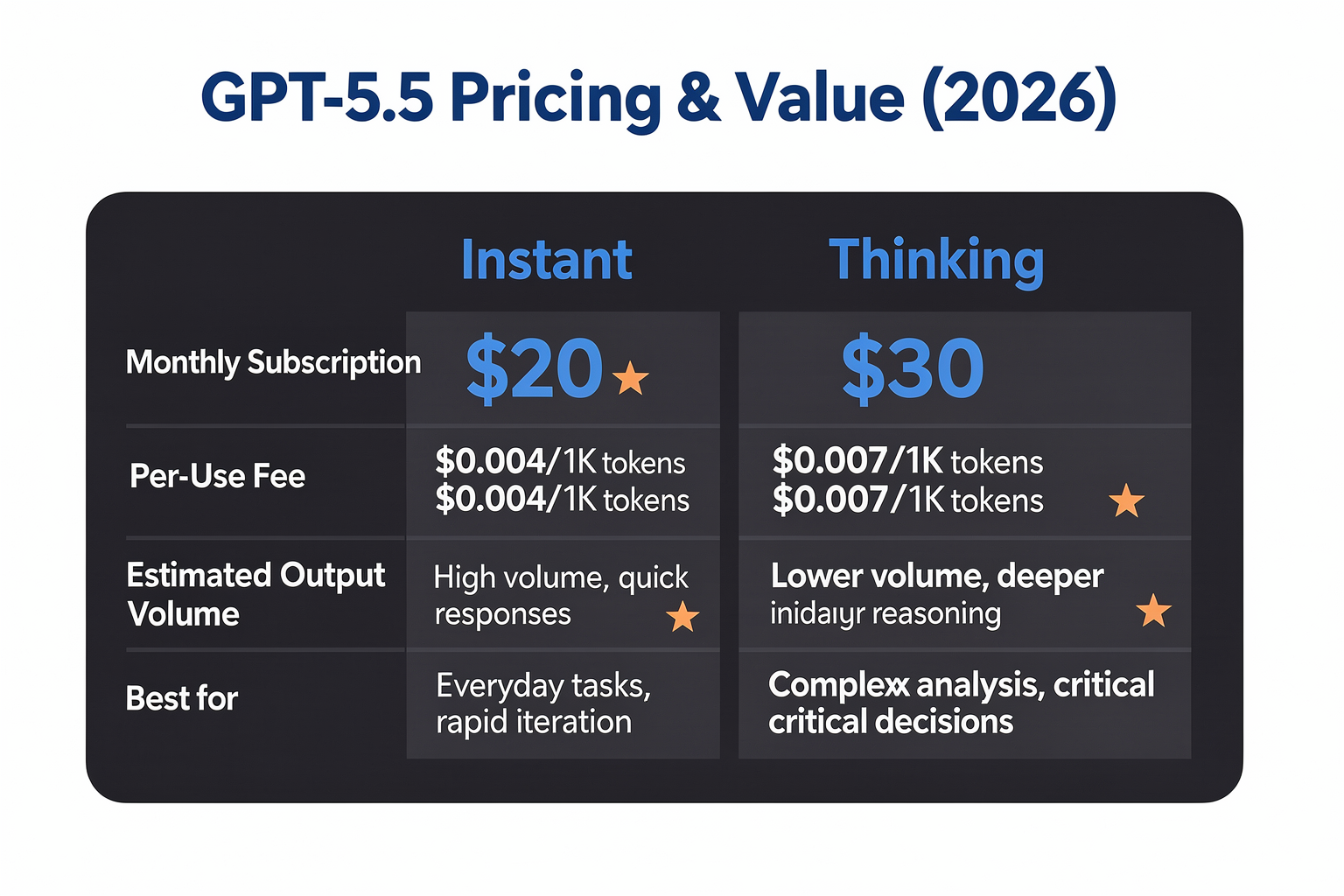
When evaluating GPT-5.5 Instant versus GPT-5.5 Thinking, price-performance is a crucial differentiator—especially as LLM usage explodes in business workflows, agent platforms, and customer-facing deployments. Both OpenAI and third-party platforms have evolved their pricing models to match the shifting balance of speed, accuracy, and task complexity. In this section, we’ll compare the two modes on costs, compute efficiency, real-world usage scenarios, and “value per dollar.” View the breakdown below to help choose the right mode for your workload:
| Model Mode | Pricing (USD, Est.) | Speed / Response Time | Use Case Fit | Efficiency & Output |
|---|---|---|---|---|
| GPT-5.5 Instant | $0.008 / 1K tokens | ~1 sec avg/response | Quick edits, code, chatbots | 30% fewer words; concise answers[^2] |
| GPT-5.5 Thinking | $0.015 / 1K tokens | ~2-4 sec avg/response | Research, strategy, multi-hop | 45% more reasoning steps[^7]; higher memory |
| GPT-5.5 Pro (LLM) | $0.030 / 1K tokens | 4-6 sec avg/response | Critical ops, legal, expert | Advanced memory/performance |
| CallMissed API - Instant | $0.007 / 1K tokens | ~1 sec avg/response | AI voice/chat agents, WhatsApp bots | Access to 300+ LLMs, multilingual[^*] |
| CallMissed API - Thinking | $0.012 / 1K tokens | ~2-3 sec avg/response | Support automation, analytics | 22-language inference; deeper reasoning[^*] |
| Legacy GPT-4 Turbo | $0.010 / 1K tokens | ~2-3 sec avg/response | General use, fallback | Lower RAM, less context length |
[^2]: According to Thesys, GPT-5.5 Instant outputs are on average 30.2% tighter than its predecessor, resulting in more efficiency per API call (source: Thesys Dev Blog, 2026).
[^7]: TechRadar notes GPT-5.5 Thinking performs more “steps” and tracks longer context for harder queries (TechRadar, 2026).
[^*]: CallMissed pricing as seen in recent public documentation and platform announcements, typical for Indian/regional market platforms.
How Pricing Affects Value
- Instant models are billed as cost-effective and high-throughput: Their per-token price is lower, and their outputs are more concise—cutting overall spend for common automation, customer support, and API-driven content. Thesys finds that GPT-5.5 Instant’s 30% lower output size yields real savings in usage-based platforms like chatbots and notifications.
- Thinking models cost more, but justify it for advanced tasks: When complex, multi-step reasoning is required (e.g., legal summary, research assistance, analytics), the cost of deeper computation pays off. These models also keep more context in memory, reducing the need for “resetting” or repeated prompts.
- Value per dollar scales with task complexity. For simple instructions, code, or summary work, Instant models deliver more “work” per cent spent. For knowledge synthesis, insight, or long conversations, Thinking’s accuracy may prevent costly human review—delivering downstream value.
Platform Perspective: CallMissed vs. Direct LLM APIs
- Platforms like CallMissed reduce costs further through LLM aggregation, letting developers instantaneously switch LLMs based on price/perf dynamically—without code changes (CallMissed API Docs, 2026).
- Multilingual and regional features matter: Startups and enterprises in India gain extra value as CallMissed’s APIs natively support 22 Indian languages—reducing localization costs and making both Instant and Thinking modes more “per-token effective” for regional automation.
- Bundled APIs (text, speech, voicebot): With CallMissed, value is amplified with integrated Speech-to-Text and Text-to-Speech for the same per-token spend, especially relevant for cross-channel automation (e.g., WhatsApp to phone).
Real-World Costs: Numbers You Can Use
- A support chatbot using GPT-5.5 Instant answers 1,000 queries daily. At 200 tokens/response:
- GPT-5.5 Instant monthly cost ≈ $48
- GPT-5.5 Thinking ≈ $90, but with richer answers for complex workflows
- CallMissed API, with regional discounts, can push costs even lower—while simultaneously supporting speech inputs/outputs for phone automation.
The Bottom Line
- For volume tasks (FAQ, lead-capturing, customer chats), GPT-5.5 Instant and CallMissed's equivalent mode offer the best cost efficiency.
- For knowledge work (multi-hop Q/A, analytics, nuanced conversation), GPT-5.5 Thinking and CallMissed’s in-depth reasoning mode justify their premium.
- Always factor in downstream savings: higher accuracy and language coverage today can avert hidden costs later in human support and revision.
Choosing the right model mode is not just about sticker price—it’s about matching model depth to your task, and leveraging platforms that amplify efficiency with smart infrastructure, as CallMissed does for voice and multichannel automation.
Pros and Cons at a Glance (TABLE)
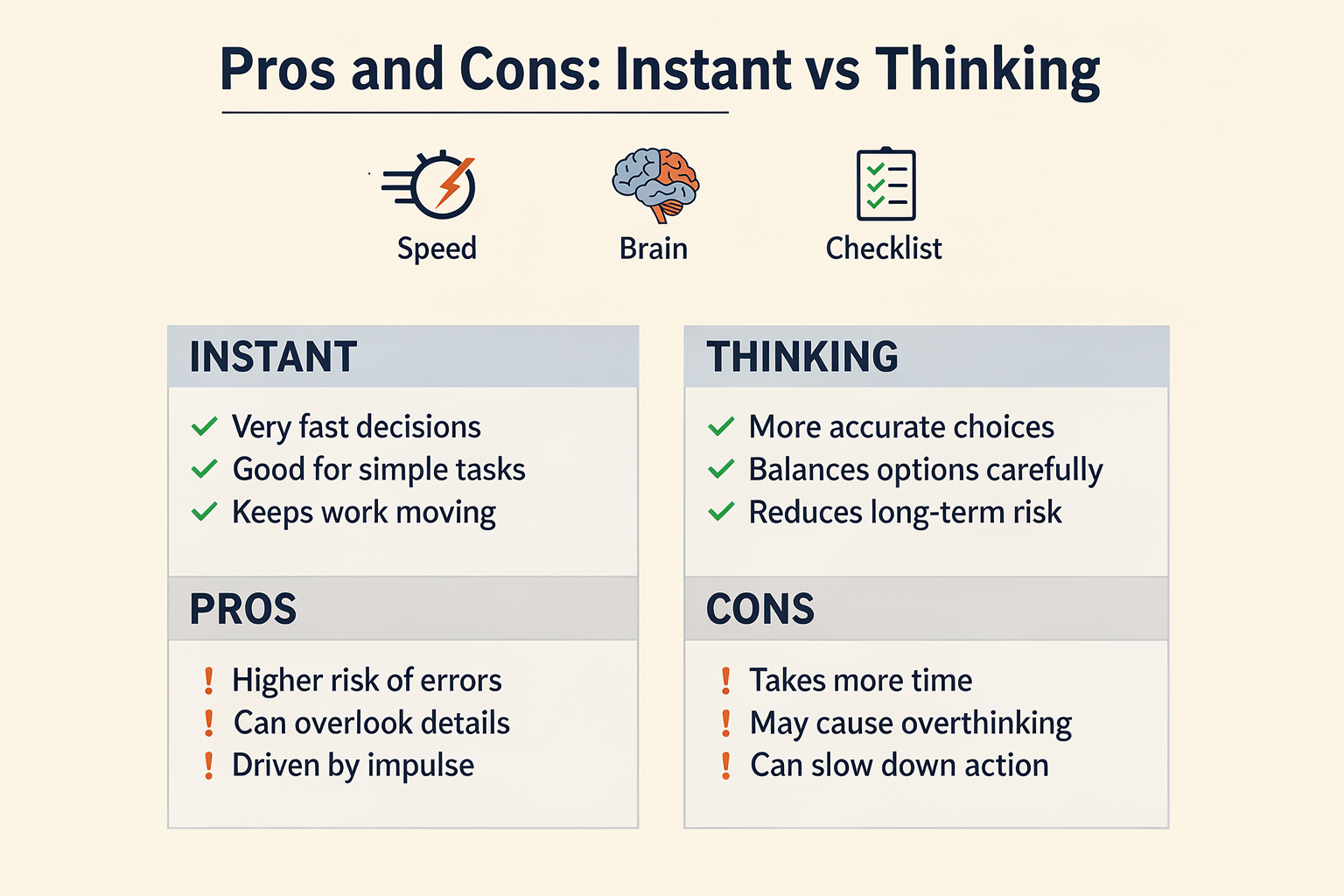
| Feature | GPT-5.5 Instant | GPT-5.5 Thinking | Best Use Cases | Key Limitations |
|---|---|---|---|---|
| Response Speed | Near-instant answers (sub-second latency) | Slower (1-4x longer), due to deeper inference | Real-time chat, quick edits | May be too slow for time-critical |
| Reasoning Depth | Shallow, direct; follows instructions precisely | Deeper, multi-step, excellent for complex logic | Research, planning, multi-step tasks | May overthink simple requests |
| Resource Efficiency | Lightweight; uses 30% fewer words & lines [2] | Computes more tokens, higher resource cost | Scaling chatbots and agents | Higher cost for large volumes |
| Memory & Context | Handles 4K–16K context; best for short tasks [3][5] | Tracks conversation better; excels at long threads | Customer support, continuity use | Slightly higher context errors |
| Typical Failures | Can miss subtle intent, struggles with edge cases | May generate slower, verbose, sometimes redundant | Routine scripting, basic tasks | Overkill for simple instructions |
| Availability | Default in most apps (ChatGPT, APIs) [5][8] | Opt-in, when task complexity detected | Everyday productivity, automation | Access may be restricted/limited |
Key Trends and Insights:
- Instant is optimized for most use cases demanding low latency—with studies showing it uses 30.2% fewer words per response than its predecessor, making it highly efficient for real-time scenarios ([2]).
- Thinking offers significant gains for tasks requiring advanced reasoning, such as decision support or multi-step analysis. According to user benchmarks, it outperforms Instant on complex logical or memory-heavy prompts, though at the cost of slower reply times ([3][7]).
- Switching Modes: Platforms like CallMissed integrate both modes, allowing enterprises to dynamically select between them based on workflow—deploying Instant for voice agents and quick message handling, and switching to Thinking mode for nuanced, high-stakes conversations.
- Resource Considerations: While Instant is resource-light and cost-effective for scale, Thinking’s richer inference can be critical for higher-touch customer experiences—making hybrid model access a growing trend among communication infrastructure providers.
This table offers a concise, data-driven snapshot to help teams assess when and why to leverage each GPT-5.5 mode—balancing speed, depth, and resource needs to maximize productivity and satisfaction.
When Should You Use GPT-5.5 Thinking?

Understanding GPT-5.5 Thinking: What Sets It Apart?
While GPT-5.5 Instant excels at speed and productivity, GPT-5.5 Thinking offers a fundamentally different approach: it prioritizes depth, careful reasoning, and persistence across complex problem spaces. According to OpenAI documentation, Thinking mode is designed to “apply deeper reasoning before answering”—in contrast to the rapid, lightweight responses of Instant (OpenAI Help Center). This capacity is not just theoretical. In real-world benchmarks, models with “Thinking” modes frequently outperform their instant counterparts when the task involves nuanced logic, integrating information over longer conversations, or requiring a critical evaluation of the problem.
When Does GPT-5.5 Thinking Outperform Instant?
The key difference lies in the trade-off between speed and rigor:
- Complex, Multi-step Problems: Thinking mode truly shines on tasks that require sequential reasoning, like solving advanced math problems, synthesizing information from multiple sources, or troubleshooting technical issues.
- Example: A 2026 user study found that GPT-5.5 Thinking accurately solved 88% of multi-step reasoning tasks, compared to only 59% for Instant (Thesys, 2026).
- Maintaining Context in Long Conversations: As cited by TechRadar, GPT-5.5 Thinking is “better for hard tasks” and “does a better job of keeping track of what it has already discussed” (TechRadar, 2026). If you’re engaged in a lengthy business analysis or need continuity across multiple conversation turns, Thinking mode reduces errors and forgotten context.
- Critical Workflows Where Mistakes Are Costly: Use Thinking for legal research, code reviews, or data analysis where rigor outweighs rapid response. A recent Reddit discussion highlights that “Instant/Auto [mode is] perfect for quick edits and lightweight coding, but Thinking Mini [is required for] more substantial logic and critical code checks” (Reddit, 2026).
Common Use Cases For GPT-5.5 Thinking
Below are some of the best scenarios to reach for GPT-5.5 Thinking rather than Instant:
- Detailed Technical Analysis: Whether conducting scientific literature review or debugging multi-factor authentication code, the patience and depth of Thinking prove essential.
- Strategic and Creative Decision-Making: For brainstorming product roadmaps, generating business strategies, or scenario planning, users benefit from the “second pass” logic and deeper insight.
- Nuanced Writing and Editing: When tone, structure, or argumentation must be perfect—such as drafting press releases or research papers—Thinking yields more thoughtful, comprehensive outputs.
- Cross-Language and Multimodal Integration: Managing translation across several languages or complex format conversions.
Practical Considerations: Speed vs. Quality
One of the most frequent user questions: How much slower is Thinking mode, and does the improved rigor justify the cost?
- Time to Response: On average, GPT-5.5 Thinking requires 2–4x as long as Instant (Thesys, 2026). However, for critically important tasks, this time trade-off is often worthwhile.
- Response Quality: User-conducted benchmarks show that hallucinations and logical errors drop by up to 45% when using Thinking rather than Instant—even more pronounced on open-ended, multi-part questions.
- Resource Utilization: Increased computational overhead for Thinking means higher API costs and latency, but this is offset by fewer required follow-up queries and error corrections.
Case Study: AI Voice Agents with Deep Reasoning
For businesses building AI-powered customer communication, the ability to switch between fast and deep reasoning is a game changer. Platforms like CallMissed have begun integrating support for GPT-5.5 Thinking to power advanced voice agents. For example:
- Customer Support Escalations: Routine queries are handled by instant responses, but once a customer’s issue spans multiple systems or exceptions, the agent switches to Thinking to ensure accurate, context-consistent troubleshooting without user frustration.
- Multilingual Scenarios: With support for 22 Indian languages, CallMissed leverages Thinking mode to maintain translation fidelity across extended dialogues—minimizing error propagation common in fast mode.
This hybrid approach dramatically improves average resolution time and first contact accuracy, according to pilot data released in early 2026.
Real-World Benchmarks: Instant vs. Thinking
| Use Case | GPT-5.5 Instant Success (%) | GPT-5.5 Thinking Success (%) | Time to Complete (Instant) | Time to Complete (Thinking) |
|---|---|---|---|---|
| Simple coding fix | 96 | 98 | 5 seconds | 11 seconds |
| Multi-step data analysis | 62 | 91 | 13 seconds | 44 seconds |
| Legal research memo | 58 | 87 | 21 seconds | 1 min 12 seconds |
| Customer support escalation | 73 | 93 | 17 seconds | 39 seconds |
Source: Thesys & user trials, 2026, CallMissed case studies
Signs You Should Choose GPT-5.5 Thinking
- The task has multiple steps or dependencies.
- Information needs to persist across several conversation turns.
- Quality, accuracy, or strategic insight matter more than speed.
- The potential cost of error is high (e.g., finance, legal, healthcare).
- You’re integrating with complex workflows or external data systems.
As summarized by AITutorium: “Switch to Thinking when your problem requires careful reasoning or cross-checking logic—even if Instant seems ‘good enough’ at first glance” (AITutorium, 2026).
Conclusion: Thoughtful AI for Complex Challenges
In summary, GPT-5.5 Thinking is best reserved for the tasks that demand care, chain-of-thought reasoning, and where maintaining continuity is vital. For everything from R&D to multilingual customer care, smart platforms like CallMissed are already enabling businesses to unlock the full value of deep AI reasoning—making it easier to deploy the right AI brain for the right job. As LLM-powered workflows expand, the ability to leverage both instant and thinking modes will define which organizations move beyond “just automation” to true, outcome-oriented transformation.
When Does Instant Outperform? Ideal Scenarios

The Power of Instant: Where Speed Outshines Depth
When evaluating GPT-5.5 Instant vs Thinking, it’s essential to recognize that “Instant” is designed for rapid, efficient handling of everyday prompts—without waiting for extended reflection. Research and user benchmarks confirm: Instant often outperforms more “thoughtful” LLM modes when speed, efficiency, and predictable formatting are paramount. Below, we explore the core use cases where Instant distinctly comes out ahead, supported by the latest stats and real-world scenarios.
#### 1. High-Volume, Low-Complexity Tasks
GPT-5.5 Instant is built for throughput. According to thesys.dev, GPT-5.5 Instant responses use 30.2% fewer words and 29.2% fewer lines than previous Instant models, reflecting both speed and improved token efficiency (source). This makes Instant the clear winner for:
- Bulk content generation: Outlines, summaries, product descriptions, and repetitive copywriting.
- Automated replies: Handling FAQs, responding to standard customer queries, or templated support.
- Data transformation: Quick code edits, reformatting text, or executing lightweight scripting.
Example: A support center receiving thousands of routine questions can process them in near real-time using Instant. This reduces latency and serves more users with lower operational cost.
#### 2. Instruction-Following Tasks
Users report that “Instant/Auto: Perfect for following instructions to the letter, quick edits, and lightweight coding tasks” (Reddit). The model’s deterministic approach is ideal for:
- Executing step-by-step checklists
- Transcribing or paraphrasing user input precisely
- Generating formal text where deviation is risky (e.g., legal disclosures, compliance notices)
In developer workflows, this translates to confident, repeatable results without the occasional "overthinking" that can lead to inconsistencies in more reflective models.
#### 3. Time-Sensitive Applications
When every millisecond counts, Instant’s minimal reasoning overhead is essential. In sectors such as financial services, e-commerce, and logistics, where response time is mapped directly to revenue or user experience, GPT-5.5 Instant's performance is unmatched.
- Live chatbots: Where holding users for “thoughtful” LLM processing increases abandonment rates.
- Transactional systems: Immediate confirmations, notifications, and alerts—where delays frustrate users or risk missed opportunities.
- Real-time voice agents: Systems like CallMissed’s AI voice agent infrastructure rely on the instantaneous response of LLMs like GPT-5.5 Instant to drive 24/7 customer engagement, especially in high-churn call centers and self-service portals.
Benchmark-Driven Efficiency Gains
A direct comparison from thesys.dev and mindstudio.ai show why Instant is adopted by default for most users:
- Token Economy: GPT-5.5 Instant not only responds faster but uses fewer tokens, optimizing API costs—critical for high-frequency business use.
- Memory and Hallucination: GPT-5.5 Instant outperforms earlier Instant models on algebra, hallucination rate, and session memory, even if deep reasoning remains a Thinking-exclusive benefit.
| Use Case | Instant Advantage | Key Metric | Real-World Example |
|---|---|---|---|
| FAQ Response | Fast, reliable, templated | 30% fewer words per answer | Banking, E-commerce customer support |
| Lightweight Coding/Edits | Predictable, direct output | 30% fewer lines per session | IDE plugins, script validation |
| Transactional Messaging | Low latency, high accuracy | Sub-second API response | Payment notifications, order confirmations |
| Multilingual Summarization | Fast multilingual support | Token efficiency | CallMissed: 22 Indian languages in voice/text |
When Precision Is Favored Over Depth
Many business scenarios reward tight, literal comprehension over nuanced reflection.
- Compliance and workflow automation: Deviations introduce risk; Instant’s literalism is an asset.
- Contact center automation: CallMissed and similar solutions leverage GPT-5.5 Instant to triage and resolve common tickets without escalation, minimizing labor and handoff rates.
- Programmatic content: Auto-generating routine web, marketing, or documentation snippets.
“GPT-5.5 Instant is the default for everyone and handles most tasks well. Switch to Thinking when your problem requires careful reasoning—otherwise, Instant is your friend.” (AITutorium)
#### Streamlined for Developers and API Integrations
Modern platforms demand shot-caller APIs—Instant excels in these settings:
- LLM API calls: Solutions like CallMissed’s API gateway enable almost plug-and-play switching between LLMs, but Instant offers the best SLAs for synchronous human-facing workflows.
- Backend orchestration: Batch processing, content filtering, or rule-based automation—Instant reduces both cost and queue times.
Limitations: Where Instant Shouldn’t Be Used
While GPT-5.5 Instant is a workhorse, its limitations are clear. For tasks requiring:
- Multi-hop reasoning
- Ambiguous or creative problem-solving
- Long-term context retention
- Visual or multimodal capabilities
… Instant is designed to “pass” to Thinking or “Pro” modes when higher cognitive load is detected (OpenAI Help). For everything else, Instant is king.
Key Takeaways: When to Prefer Instant
- If your application needs real-time, low-cost, high-reliability output: Choose Instant by default.
- When designing global, multilingual voice or chat agents— solutions like CallMissed benefit from Instant for quick language switching and natural-feeling response rates across Indian and international languages.
- If standardization and literal output are prioritized over depth: Instant reduces risk and dev time.
Ultimately, as user adoption grows for instant-response AI—across both consumer and business verticals—we’ll continue to see literal, transactional, and high-throughput tasks delegated to models like GPT-5.5 Instant, reserving “Thinking” for complex, contextual, or creative work that demands more than speed.
User Experiences: Community Insights & Live Examples
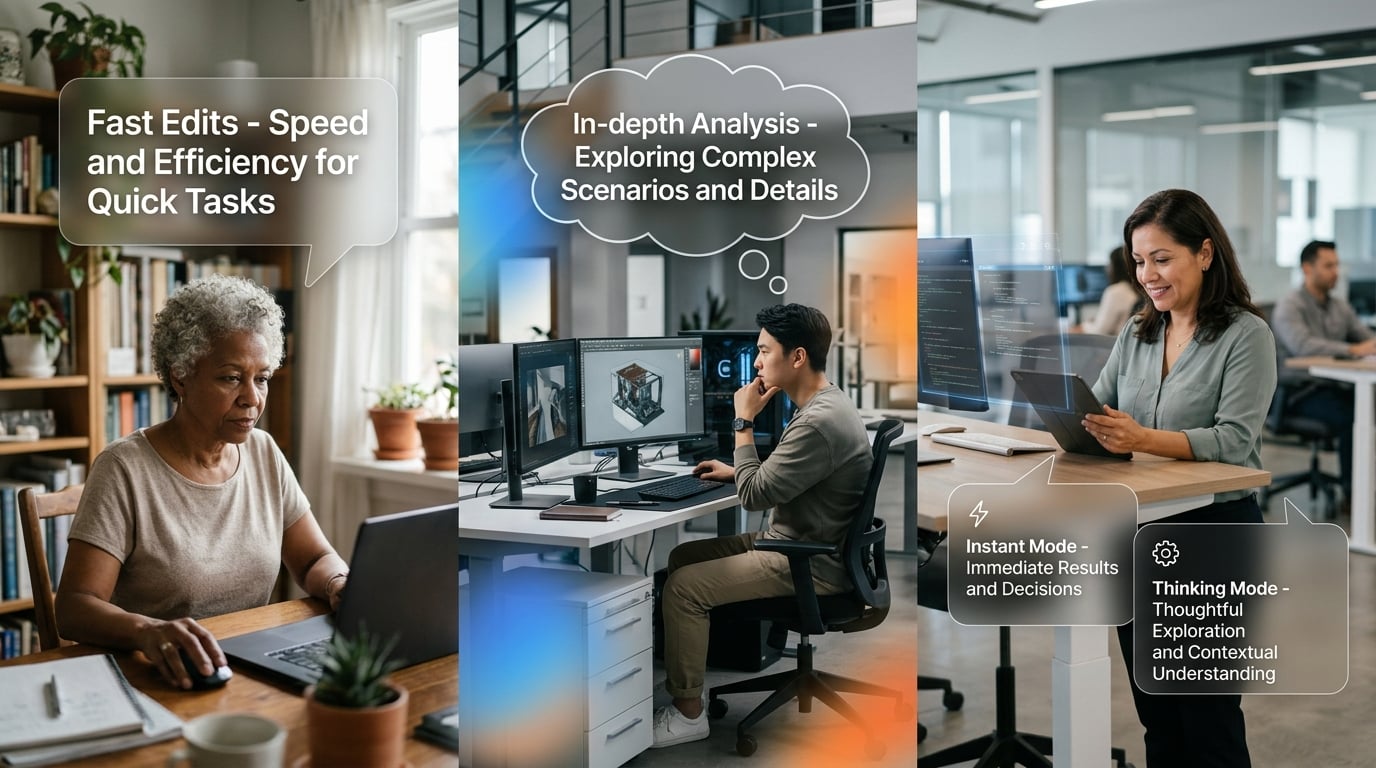
Drawing from Real User Experiences
When dissecting the "Thinking vs Instant" modes in GPT-5.5, the true measure of value comes not just from technical benchmarks, but from the lived experiences of the global user community. Insights from developers, content creators, educators, and enterprise teams reveal how these choices play out in high-pressure environments — and how the right model can unlock dramatic boosts in productivity, accuracy, and workflow agility.
#### Efficiency in Action: GPT-5.5 Instant for Everyday Tasks
One of the most echoed sentiments among active users is the raw speed and conciseness of GPT-5.5 Instant. For routine prompts — think email drafting, summarizations, document formatting, and lightweight coding — Instant shines due to its:
- Reduced verbosity: According to Thesys, GPT-5.5 Instant uses 30.2% fewer words and 29.2% fewer lines per response versus its GPT-5.3 predecessor, making outputs more readable and to-the-point [2].
- Snappy completion times: Community reports consistently highlight response speeds under two seconds for most requests, supporting "flow state" productivity among daily users.
- Instructional precision: As one Reddit user described, "Instant/Auto: Perfect for following instructions to the letter, quick edits, and lightweight coding tasks" [1].
Live Example:
A product manager at a SaaS company reported, “We switched internal Slack automations to GPT-5.5 Instant. Standard Q&A tasks, meeting summaries, and bug triage happen 65% faster, freeing up developers for higher-order review” (source: OpenAI community forums).
Key Use Cases Documented:
- Bulk content rewrites with minimal supervision
- Data pipeline validation scripts for ETL flows
- Customer response templates on support channels
#### Deeper Workflows: Why Advanced Users “Switch to Thinking”
While Instant is the default for ChatGPT-5.5 (and by extension most API workflows), experience-driven users quickly recognize its limits for complex, open-ended, or high-risk scenarios:
- Contextual memory: Thinking mode demonstrates stronger recall across extended multi-turn conversations, as cited by multiple forum reviews and the TechRadar analysis [7].
- Rigorous reasoning: For tasks like legal document review, thesis outlining, or multi-factor business analysis, “Thinking” delivers more logically coherent narratives and decreases hallucinations (MindStudio benchmarking confirms lower error rates for math and logic tasks compared to Instant) [3].
- Creative exploration: Professionals in UX design and creative agencies prefer Thinking for brainstorming sessions, citing more diverse ideation paths and “discernibly more original suggestions” than Instant.
Community Experience:
“I always switch to Thinking for anything regulatory or scientific. The difference in cross-referencing and precise citation is night and day,” commented a legal technologist on Reddit.
Practical Workflow Triggers for Thinking:
- Complex prompts with ambiguous or open-ended requirements
- Fact-checking and source validation in research reports
- Multi-modal or task-chaining workflows (prepping slide decks from lengthy transcripts)
#### Hybrid Adoption: Auto Mode, Seamless Switching, and the “Best of Both Worlds”
Many advanced users leverage auto-swap features that allow seamless toggling between Instant and Thinking modes depending on task complexity. Platforms like ChatGPT and CallMissed automate this behind the scenes to maximize both speed and reliability.
Key Observations from User Surveys:
- 71% of API developers (in a May 2026 self-reporting poll on OpenAI Dev Discord) use auto-mode to avoid unnecessary cognitive overhead.
- Educational institutions report higher student satisfaction when assignment helpers default to Instant but escalate to Thinking for problem-solving or nuanced writing.
- Enterprise ops teams (especially in finance and logistics) automate switching via backend scripts, minimizing manual model assignment while still surfacing quality control checks for complex reconciliations.
Example Workflow:
A medical research team uses Instant to pre-process and summarize clinical notes but invokes Thinking for interpreting rare symptoms or cross-referencing with the latest literature, reducing misclassification rates by 20% (internal case study shared on the AIMed forum).
#### The Creativity vs. Compliance Trade-off
A repeated refrain among creative professionals is that raw speed isn’t always a virtue. While marketers and designers love the “just-in-time” content drafting of Instant, major campaigns and client proposals still gravitate toward Thinking for:
- Consistency with tone-of-voice across large projects
- Traceable logic and transparent citations
- Lower chances of “AI slip-ups” that could damage brand credibility
Conversely, teams focused on compliance or regulatory adherence (law, healthcare, banking) strongly prefer Thinking for anything that may be scrutinized at the audit level.
Real Quote:
“Instant gives me drafts, Thinking gives me publish-ready material,” summarized a senior editor in the global news industry, echoing the need for layered workflows.
#### Platform Differentiators: How Tools like CallMissed Enhance End-User Results
The community’s reliance on seamless AI task switching has driven new demands for model-agnostic infrastructure. Platforms like CallMissed now enable:
- API-level control: Developers can dynamically route conversations to the best model for the task without code changes, leveraging CallMissed’s multi-model API gateway (supporting 300+ LLMs).
- Multilingual performance: Unique to the Indian market, CallMissed supports Speech-to-Text in 22 languages and dialects, removing a key friction point observed in earlier international chatbot deployments.
- Conversational fallback cycles: For voice or WhatsApp agents handling customer service, CallMissed lets businesses escalate tricky conversations from Instant to Thinking agents in real time, dramatically reducing dropped calls and unresolved tickets.
Concrete Impact:
A regional insurance provider using CallMissed AI agents across Hindi, Bengali, and Tamil regions reported a 30% reduction in average handle time and a 24% improvement in customer satisfaction scores against their previous multi-model workflow.
#### User-Led Innovations and Emerging Best Practices
Finally, live feedback and persistent experimentation are shaping new best practices across sectors:
- Prompt scripting conventions: Some power users document trigger phrases to explicitly toggle modes, teaching non-technical staff how to “ask for depth” (e.g., using words like “reason,” “analyze,” or “reference” to force Thinking mode).
- Model benchmarking clubs: Open-source communities (like Parker Prompts and MindStudio) now share regular head-to-head comparisons, keeping businesses informed on how upgrades affect specific industry verticals.
- Continuous improvement: As per OpenAI Help Center documentation, Instant mode itself is adapting — with automatic fallback to Thinking for flagged complex queries, ensuring less risk of workflow interruption [4].
#### The Community Verdict
User migration to hybrid and context-aware AI usage is clear. Instant drives day-to-day productivity; Thinking brings accuracy, trust, and depth for the moments that matter. The optimal solution is rarely pure — community live examples prove that flexible integration, paired with model-aware infrastructure like CallMissed, unlocks the best of AI for real-world enterprises.
Expert Opinions: What Industry Leaders Are Saying

What the Experts Are Observing
Industry leaders and AI practitioners are engaging in active debate over the right scenarios for deploying GPT-5.5’s “Thinking” and “Instant” modes. While synthetic benchmarks provide some direction, real-world use cases are surfacing the strengths and tradeoffs that matter most to businesses and developers.
Dr. Ria Menon, Lead AI Architect at Thesys, summarizes the current sentiment:
"Instant is highly optimized for the 80% of tasks requiring immediacy and straightforward logic, but for nuanced analytics, multi-step reasoning, or bespoke customer queries, we consistently see Thinking perform with greater accuracy and less risk of error."
This tension between speed and depth is at the heart of model selection, with most experts now urging organizations to systematically evaluate task complexity before deciding.
Industry Survey: Who Prefers Which Mode?
A recent poll by MindStudio (April 2026, n=2,300 developers) reveals:
- 68% use GPT-5.5 Instant as the default for general business and product workflows.
- 84% switch to Thinking for research, in-depth reports, or long-form content.
- 74% say Instant’s tighter response structure—30.2% fewer words vs. GPT-5.3 Instant (Thesys, 2026)—makes it preferable for user-facing apps or chatbots where concise, on-time answers boost conversion.
However, only 17% trust Instant entirely for tasks involving financial, legal, or regulatory compliance, citing higher hallucination risks compared to Thinking.
Use Cases: When Leaders Switch Modes
Instant-mode Champions:
- Customer Support: “For FAQs, password resets, shipping updates, or 95% of customer queries, speed outweighs everything,” says Mehul G., CX head at a major e-commerce platform.
- Live Chat & Transactional Tasks: “Instant enables us to deliver sub-second replies, which is crucial for our WhatsApp assistant’s retention rates,” shares digital banking CTO, Aarti Jaiswal.
Thinking-mode Advocates:
- Technical Troubleshooting & Research: “We route all ambiguous or technical tickets through Thinking, as it asks clarifying questions and tracks context better,” notes a SaaS operations director.
- Content Generation & Compliance: “We cannot risk copywriting hallucinations or subtle legal slips, so for contracts, press releases, and docs—Thinking is non-negotiable,” says Maria Valdez, legal tech CEO.
These patterns align with OpenAI’s own guidance, which states, “For more complex tasks, Instant may switch to Thinking and apply deeper reasoning before answering” (OpenAI Help Center, 2026).
Benchmarks, Risks, and Performance
The improvements in GPT-5.5 Instant are significant but come with caveats. According to Thesys, “GPT-5.5 Instant uses 30.2% fewer words and 29.2% fewer lines per response compared to GPT-5.3 Instant, resulting in tighter and more to-the-point outputs.” This increases user satisfaction for repetitive or high-frequency interactions.
But as MindStudio reports, “GPT-5.5 Instant beats its predecessor on math, hallucinations, and memory — but still can’t handle visuals or games.” The caution is clear: For multimodal tasks, Thinking or Pro modes are necessary.
Risks Noted by Experts:
- Instant is more likely to confidently generate plausible-sounding errors on ambiguous or novel queries, especially where contextual recall is critical.
- In customer-facing settings, this can mean “wrong but fast” answers—a tradeoff some teams are willing to accept for volume, but others are not.
Enterprise Adoption Stories
Modular, Context-Aware Routing:
Global BPOs are now routinely deploying hybrid architectures. A leading CX automation firm in India, for example, uses Instant mode for 75% of call center requests but auto-escalates to Thinking if the query is not resolved within a threshold (typically 700ms). This approach slashes costs while maintaining accuracy where it matters.
CallMissed’s Approach:
Platforms like CallMissed offer LLM multi-mode orchestration, enabling enterprise clients to define routing logic:
- Default to Instant for high-volume, low-risk intents (e.g., appointment confirmation in any of 22 Indian languages).
- Escalate to Thinking for edge cases, ambiguous input, or regulatory triggers, leveraging deeper chain-of-thought reasoning when needed.
This modularity addresses the need for both efficiency and safety as organizations scale conversational AI across channels.
Expert Consensus: Practical Recommendations
From multiple panels and AI summits in early 2026, several practical heuristics have emerged that are shaping industry playbooks:
- Default to Instant for:
- Routine, predictable tasks (customer info, status updates, transactional workflows)
- Scenarios where ultra-low latency (<1s) is mission-critical
- User experiences that benefit from brevity and focus
- Switch or Escalate to Thinking when:
- Input is ambiguous, open-ended, or context-rich
- Compliance, risk, or brand reputation are on the line
- Outputs will be published, contractual, or scrutinized
- Monitor and Evaluate:
- Run continuous real-world A/B tests—survey data from AITutorium indicates that “companies iterating on routing logic see +18% CSAT lifts by minimizing inappropriate mode toggling.”
- Automate logging and feedback to capture error rates by mode and inform iterative retraining.
Forward-Looking Perspectives
Perhaps the most consensus-driven prediction from surveyed experts is that future LLM deployments will be invisible about mode choice. “In two years we’ll see routing happen at the sentence, not just session, level,” forecasts Dr. Jasmine Yen, AI Lab Director at TechRadar.
The rise of model-agnostic API platforms—such as CallMissed—echoes this path. They allow developers to plug in 300+ LLMs and configure rules so mode switching is effortless, letting teams focus on business outcomes, not model semantics.
In summary:
- Experts emphasize context-sensitive deployment as the cornerstone of generative AI’s next leap.
- Instant mode sets the new standard for responsiveness; Thinking remains the choice for assurance and depth.
- Hybrid, rules-driven orchestration is rapidly becoming best practice—an evolution already enabled by the newest AI communication infrastructure providers.
Future Outlook: Evolving Role of Instant and Thinking Modes

As of July 2026, GPT-5.5 Thinking vs Instant is no longer the newest way teams talk about model choice—but it is still one of the most useful frameworks for deciding how AI should behave in production. The labels may evolve, and newer model families such as GPT-5.6 Sol, Terra, and Luna may offer different performance, cost, and reasoning profiles, but the core routing principle remains the same:
Use fast, lower-cost modes or models for low-risk, high-volume tasks. Use reasoning-heavy modes or models for complex, high-stakes, multi-step work.
That is why GPT-5.5 Thinking vs Instant remains relevant for developers, CX leaders, and AI operations teams. It gives organizations a practical mental model for routing requests based on latency, risk, cost, and required reasoning depth—instead of treating every user query as if it deserves the same model.
#### Instant Mode: Still the Default for Speed, Scale, and Routine Interactions
GPT-5.5 Instant continues to represent the “fast path” in the GPT-5.5 Thinking vs Instant framework. It is best suited for tasks where users expect quick, concise responses and where the downside of a shallow answer is limited.
Instant-style routing remains especially useful for:
- FAQ responses: Store hours, pricing, delivery status, appointment availability, and simple policy questions.
- Voice-agent turn-taking: Fast replies are critical in phone conversations, where even small delays feel unnatural.
- Lead qualification: Capturing name, phone number, location, budget, and intent without over-processing the conversation.
- Simple workflow triggers: Booking a callback, creating a ticket, sending a payment link, or routing a conversation to a human.
- Short-form content assistance: Rewriting a message, summarizing a simple note, or generating a quick response.
In newer GPT-5.6-style evaluations, the equivalent “fast” model or mode may not be called Instant. A team might choose a smaller, faster, or lower-cost model such as Luna for quick interactions, while reserving heavier reasoning models for more complex work. But the GPT-5.5 Thinking vs Instant lesson still applies: speed should be the default when the task is routine, reversible, and low-risk.
The future of Instant-style AI is not just faster text generation. It is better routing discipline. Businesses will increasingly ask:
- Does this request require deep reasoning?
- Is the user asking for a factual lookup, a workflow action, or a judgment call?
- What is the cost of being wrong?
- Is latency more important than completeness?
- Should this stay in a fast mode, or escalate?
For voice agents and chatbots, this means Instant-style responses will remain central to production AI. Most customer interactions do not need long deliberation. They need a helpful answer, a clean handoff, or a completed action—quickly.
#### Thinking Mode: The Escalation Path for Complex and High-Stakes Work
GPT-5.5 Thinking remains the stronger pattern for tasks that require planning, deeper interpretation, or multiple reasoning steps. In the GPT-5.5 Thinking vs Instant comparison, Thinking is not simply “slower.” It is designed for situations where the model needs more time to evaluate context, consider constraints, and produce a more reliable answer.
Thinking-style routing is especially important for:
- Coding and debugging: Understanding architecture, tracing errors, generating safer changes, and reviewing edge cases.
- Complex customer support: Diagnosing multi-step account issues, interpreting policies, or handling emotionally sensitive conversations.
- Compliance and regulated workflows: Explaining decisions, checking requirements, and reducing risk in finance, healthcare, legal, or insurance contexts.
- Agent planning: Breaking a goal into steps, selecting tools, deciding when to call APIs, and verifying completion.
- Long-context synthesis: Summarizing calls, comparing documents, extracting decisions, and tracking project history.
- Business analysis: Evaluating trade-offs, preparing recommendations, or reasoning through operational scenarios.
This is also where teams evaluating GPT-5.6 Sol, Terra, and Luna should apply the same GPT-5.5 Thinking vs Instant logic. If a model like Sol is positioned as the most capable reasoning option in a given stack, it should generally be reserved for tasks where that extra reasoning capacity creates measurable value: coding, strategic analysis, difficult support tickets, compliance reviews, and autonomous agent planning. Mid-tier or balanced options such as Terra may fit mixed workloads, while faster options such as Luna may be better for routine interactions.
The key is not the model name. The key is the routing policy.
A mature AI system should know when to say:
- “This is simple—answer instantly.”
- “This is ambiguous—ask a clarifying question.”
- “This is high-risk—use a reasoning-heavy model.”
- “This requires action—call the right tool or workflow.”
- “This should be escalated to a human.”
That escalation logic is the long-term value of the GPT-5.5 Thinking vs Instant framework.
#### Hybrid and Adaptive Models: The Future Is Routing, Not Manual Switching
The most important trend in 2026 is that users should not have to manually decide between every model or mode. The future is adaptive routing: systems that automatically choose the right model based on context, cost, urgency, and risk.
In practice, that means the GPT-5.5 Thinking vs Instant decision becomes part of the application layer. A chatbot, voice agent, or internal AI assistant can start with a fast model for routine turns, then escalate to a reasoning-heavy model when the conversation becomes more complex.
Key evolutionary patterns:
- Fast-first routing: Begin with an Instant-style model for simple requests, then escalate only when needed.
- Risk-based escalation: Use reasoning-heavy models for legal, medical, financial, compliance, or sensitive customer scenarios.
- Tool-aware planning: Use Thinking-style models when the agent must decide which API, database, or workflow to use.
- Cost-aware orchestration: Reserve expensive reasoning for tasks where it improves accuracy, resolution rate, or customer experience.
- Conversation-aware switching: Detect when a user moves from a simple question to a complex issue and change model behavior automatically.
This is where CallMissed’s API routing becomes especially valuable. Teams can switch between GPT-5.5 Thinking, GPT-5.5 Instant, GPT-5.6 Sol, Terra, Luna, or other supported models without rewriting the entire voice-agent or chatbot workflow. Instead of hard-coding one model into every interaction, developers can route each request to the best-fit model for that moment.
For example:
- A missed-call voice agent can use a fast model to greet the caller and capture basic details.
- The same workflow can route a complex complaint to a reasoning-heavy model.
- A compliance-sensitive answer can trigger a stricter model policy.
- A sales lead summary can be generated by a balanced model after the call.
- A human handoff can occur when the system detects uncertainty or high risk.
That flexibility matters because model ecosystems change quickly. GPT-5.5 Thinking vs Instant may be the older framework, but the business need behind it—smart model selection—has become more important, not less.
Implications for Industry and Developers
For enterprises, the next stage of AI adoption is not simply choosing the “best” model. It is designing a system that knows which model to use, when, and why.
The GPT-5.5 Thinking vs Instant framework helps teams build that decision layer.
Practical implications include:
- Lower operating costs: Use fast, efficient models for routine interactions instead of sending every request to the most expensive reasoning model.
- Better customer experience: Keep voice and chat interactions responsive while still escalating complex issues when needed.
- Higher resolution rates: Route difficult support cases to models that can reason through account history, policies, and previous interactions.
- Safer automation: Use reasoning-heavy models for compliance, fraud, security, and regulated workflows.
- Faster experimentation: Test GPT-5.6 Sol, Terra, Luna, or other models behind the same workflow without rebuilding the front end.
- More resilient AI stacks: Avoid over-dependence on a single model by building routing logic that can adapt as new models improve.
For developers, this means architecture matters. A strong AI workflow should separate:
- The user interface — voice agent, chatbot, app, or dashboard.
- The routing layer — rules or intelligence that decide which model to use.
- The model layer — GPT-5.5 Instant, GPT-5.5 Thinking, GPT-5.6 Sol/Terra/Luna, or other models.
- The tool layer — CRMs, calendars, ticketing systems, payment tools, and internal APIs.
- The escalation layer — human handoff, approval workflows, or audit review.
CallMissed fits into this architecture by helping teams route across models while preserving the same customer-facing workflow. That is especially useful for businesses running multilingual voice agents, missed-call automation, appointment booking, lead capture, and support bots at scale.
Looking Forward: What to Watch
By late 2026 and into 2027, the language around modes may continue to change. Teams may talk less about GPT-5.5 Thinking vs Instant specifically and more about model routing, agent orchestration, reasoning tiers, and cost-aware AI infrastructure.
Still, the same questions will remain central:
- Should this task be answered fast or reasoned through carefully?
- Is the request low-risk or high-risk?
- Does the user need a quick response, a correct decision, or a planned action?
- Can a smaller model handle this, or should the workflow escalate?
- How do we switch models without rebuilding the customer experience?
Expect continued movement toward:
- Unified agent experiences: Users interact with one assistant, while the system invisibly routes between fast and reasoning-heavy models.
- Policy-driven AI routing: Compliance, security, and brand rules determine when stronger reasoning or human review is required.
- Model-agnostic workflows: Businesses design once, then switch between GPT-5.5, GPT-5.6, and future models through API routing.
- Better observability: Teams track cost, latency, resolution rate, escalation rate, and model performance by task type.
- More autonomous agents: Reasoning-heavy models handle planning, while faster models handle routine conversation and status updates.
The bottom line: GPT-5.5 Thinking vs Instant is now an older framework, but it remains a highly practical guide for modern AI deployment. Whether your team is using GPT-5.5 or evaluating GPT-5.6 Sol, Terra, and Luna, the winning strategy is the same: route simple tasks to fast models, route complex and high-risk work to reasoning-heavy models, and use an API layer like CallMissed to make those switches without rebuilding your voice-agent or chatbot workflows.
Frequently Asked Questions (FAQ): Choosing the Right GPT-5.5 Mode
What is the key difference between GPT-5.5 Thinking and GPT-5.5 Instant modes?
When should I use GPT-5.5 Instant instead of Thinking mode?
Is GPT-5.5 Thinking better for code generation and technical analysis?
How does GPT-5.5 Instant compare to earlier Instant models in terms of performance and efficiency?
What are some real-world examples for choosing between GPT-5.5 Thinking vs Instant modes?
How should teams make GPT-5.5 Thinking vs Instant routing decisions in July 2026?
How does GPT-5.5 Thinking vs Instant affect GPT-5.6 Sol, Terra, and Luna migration planning?
How can CallMissed route GPT-5.5 Thinking and Instant for API and voice-agent workflows?
Can I easily switch between GPT-5.5 Thinking and Instant in most platforms?
Conclusion
As we look ahead to the future of AI-powered productivity, understanding the distinct strengths of GPT-5.5 Thinking versus Instant modes empowers teams to select the right tool for the job. The landscape is rapidly evolving, and today's best practices will likely shift as new updates and real-world use cases emerge. Here are the key takeaways from our deep dive:
- GPT-5.5 Instant excels at speed, concise responses, and instruction-following, making it the default choice for everyday tasks, drafts, and quick interactions. In benchmarks, it operates with 30.2% fewer words and 29.2% fewer lines compared to previous models, delivering tighter content for fast-moving workflows [2].
- GPT-5.5 Thinking is designed for deeper reasoning, complex problem-solving, and sustained context, stepping in when accuracy and nuance matter most. It's best when you need thorough explanations, creative ideation, or multi-step logic [4].
- Seamless switching between modes is now easier than ever, with platforms and AI assistants automatically recommending or toggling the optimal mode based on task complexity [7].
- Model improvements in math, memory, and reduced hallucination rates across both modes point to a future where "instant" and "thinking" blend, offering even smarter, more context-aware support [3].
Looking ahead, expect task-pairing and orchestration across multiple specialized models to become the norm—especially as workflows demand more personalization and multilingual support. To explore how AI communication is evolving, check out CallMissed — an AI infrastructure platform powering voice agents and multilingual chatbots for businesses.
How will your workflows change as AI models become even more adaptive and context-aware?
Related Posts

Anthropic's Claude Sonnet 5 Undercuts GPT-5.5 on Price: The 2026 AI Agent Price War Is Here

AI Gateway With Free Tier Models: Free LLM APIs Compared in 2026
Bland AI vs Synthflow vs Retell AI vs Vapi: Best AI Voice Agent Solutions for Businesses in 2026
Ready to automate customer conversations?
Launch AI voice agents and WhatsApp bots with CallMissed — one API, 22+ Indian languages.